
Explore Our Little Carebook with Android screenshots and fictional demonstration data.
Our Little Carebook · Screen guide
A closer look.
Open a section to see how the app fits into everyday care. Select any screenshot for a larger view.
Current Android app screens captured on an emulator with fictional sample data. Appearance may vary by device. Each image shows the visible portion of a screen; some screens scroll. This guide covers main screens and logging forms, rather than every confirmation or picker.
Daily care9 screens
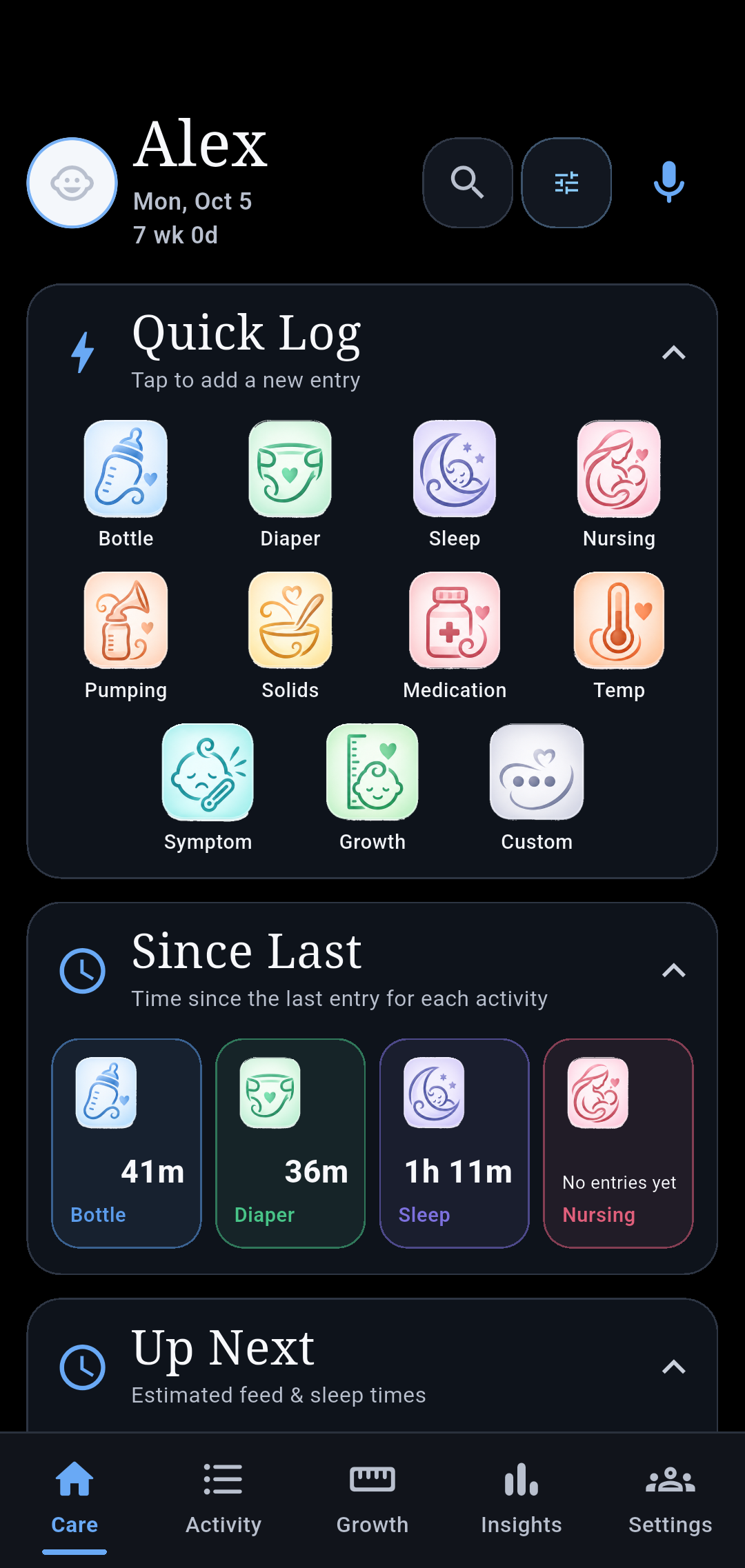
Care
Your daily dashboard for quick logging, recent activity, timers, and care summaries.
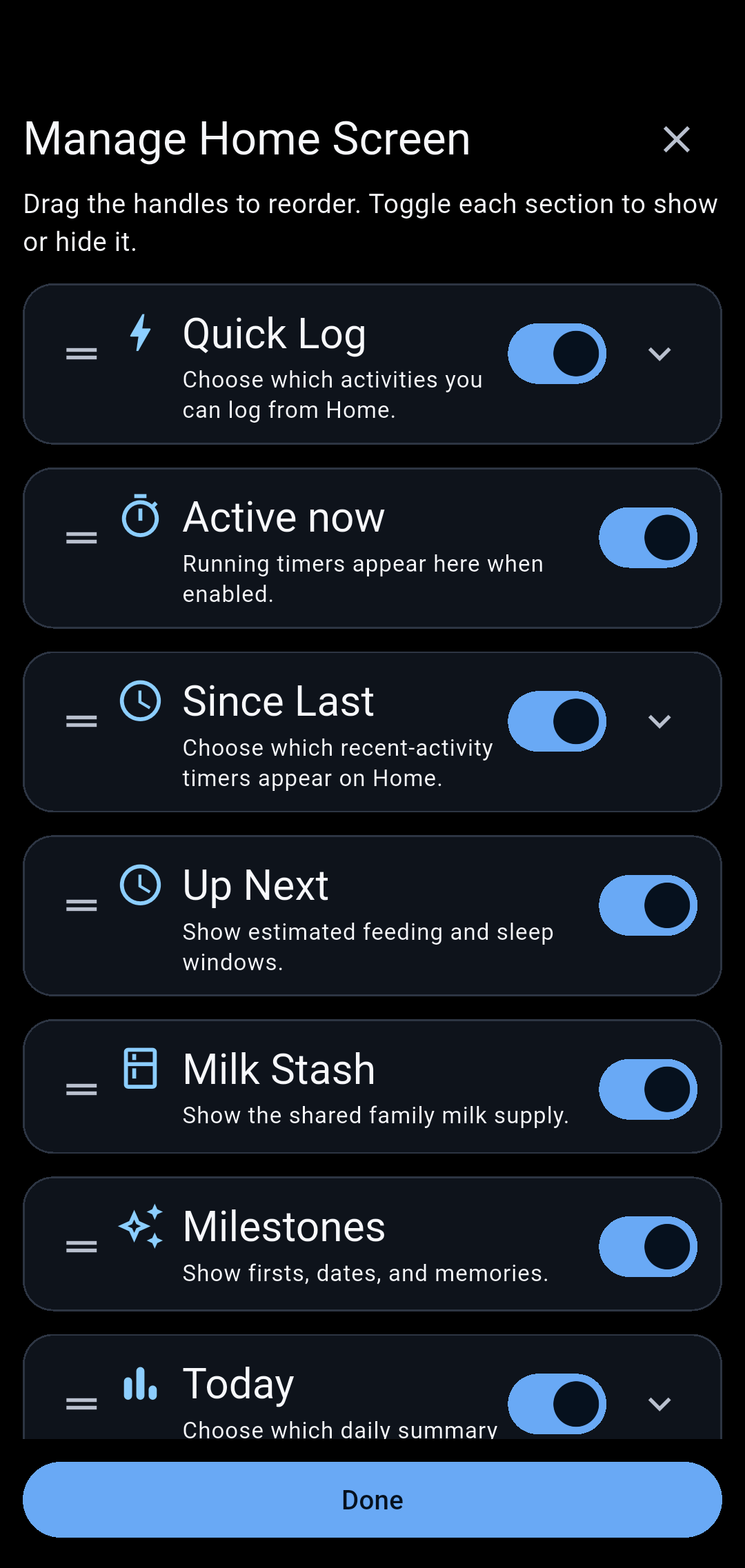
Make Care your own
Use Manage Home Screen to reorder sections, hide individual boxes, and choose which activities appear in Quick Log, Since Last, and Today.
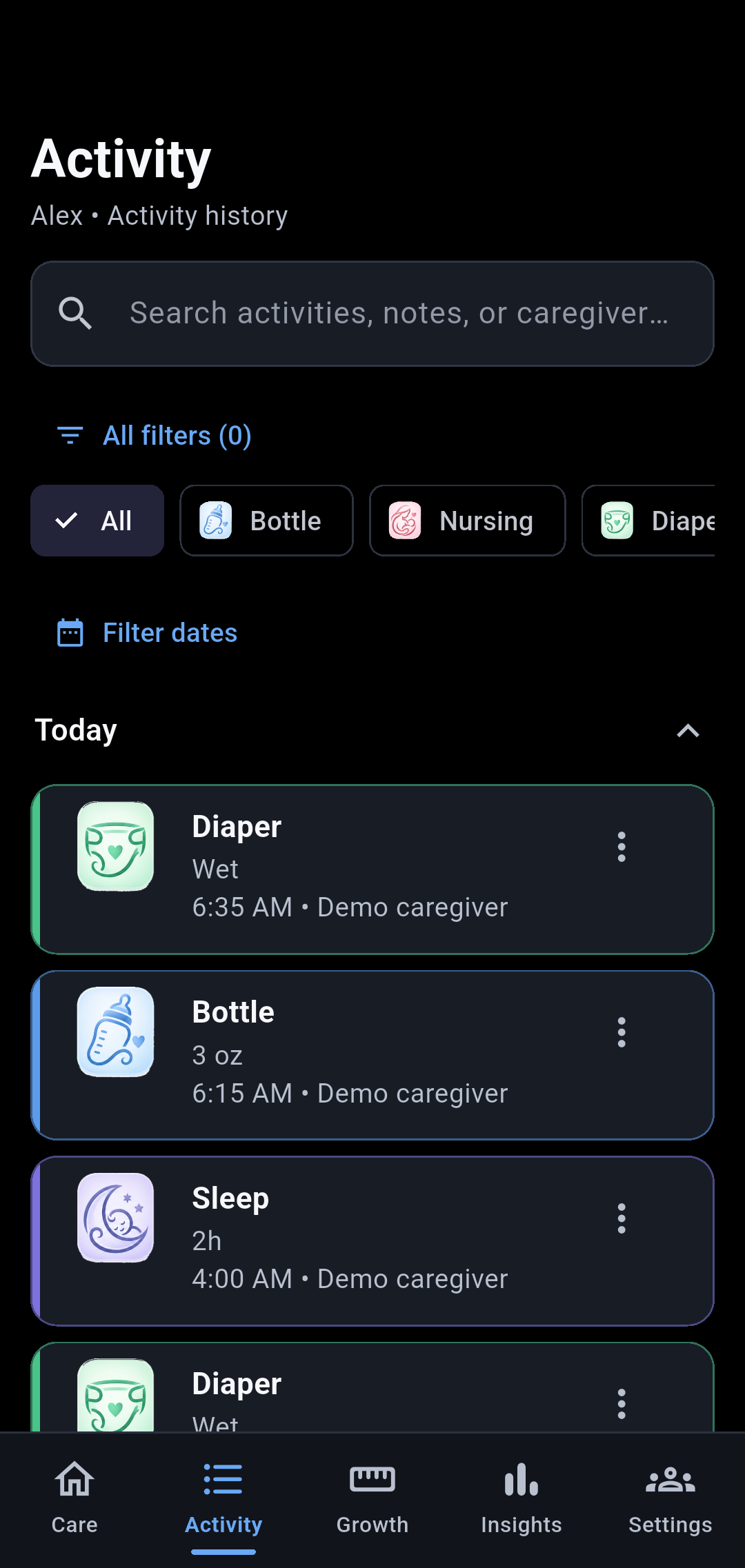
Activity history
Review logged care and expand older dates when needed.
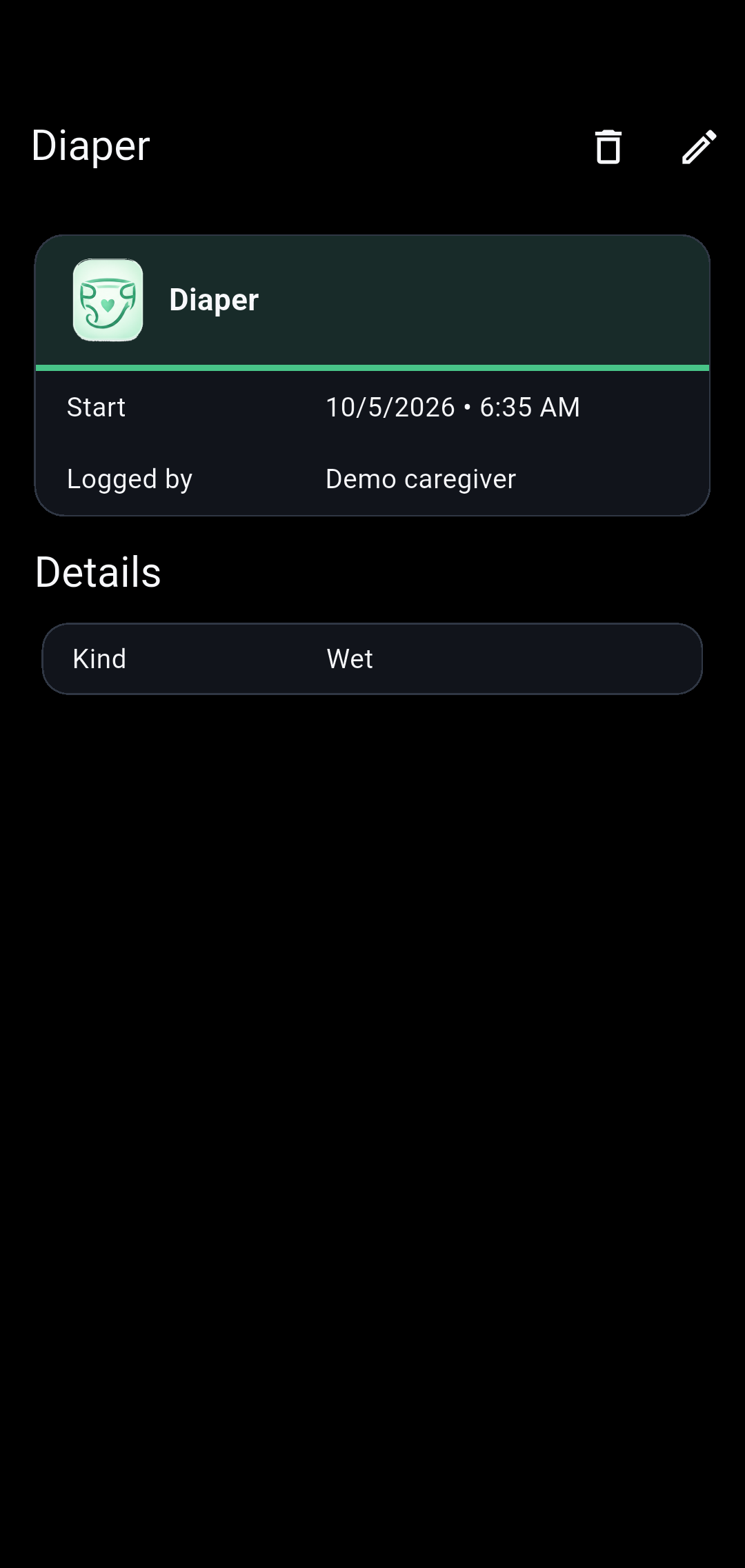
Entry details
Review an individual entry and access editing actions. Family owners can delete entries.
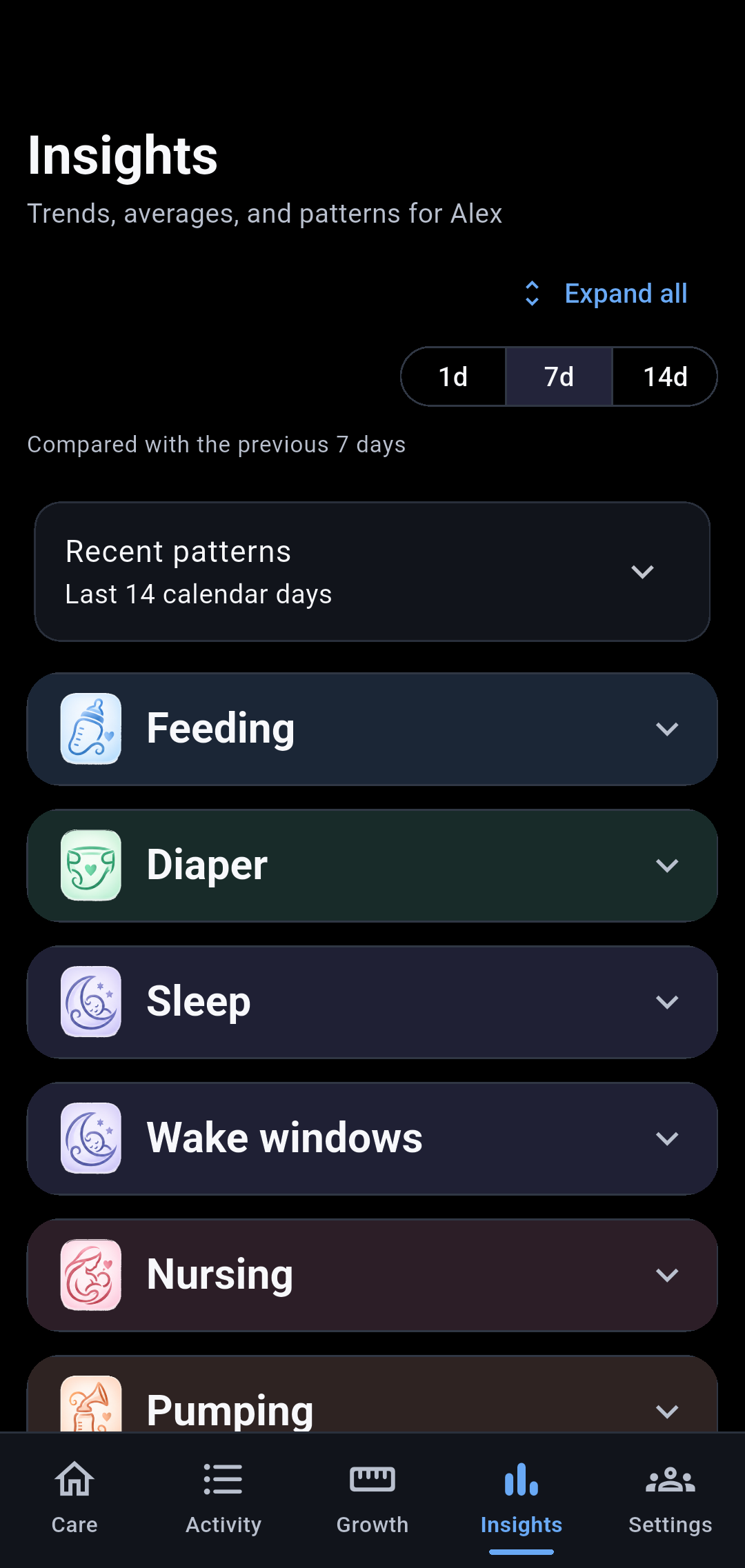
Insights
Explore summaries and patterns, including daily awake and sleep totals and averages.
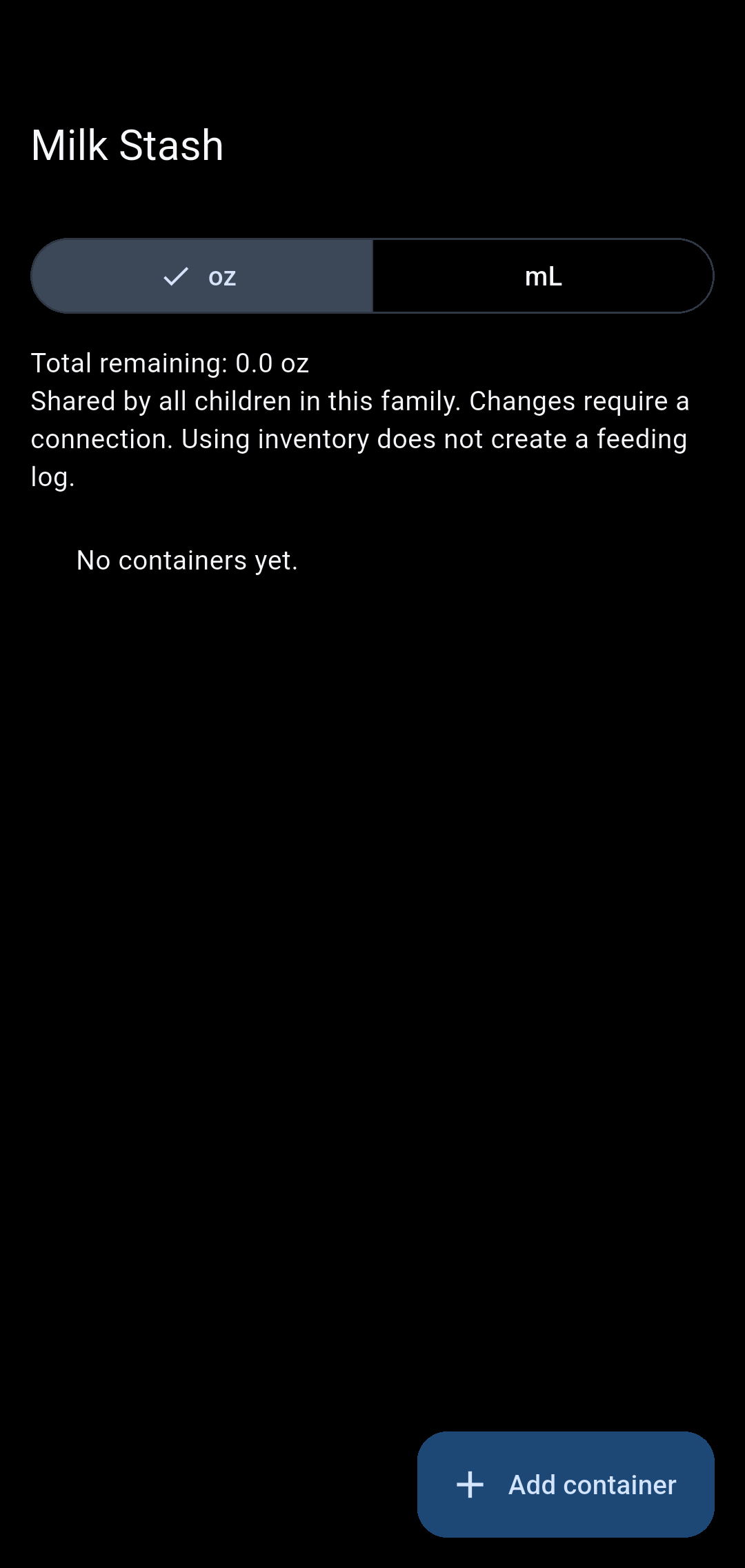
Milk Stash
Manage stored milk and its storage details.
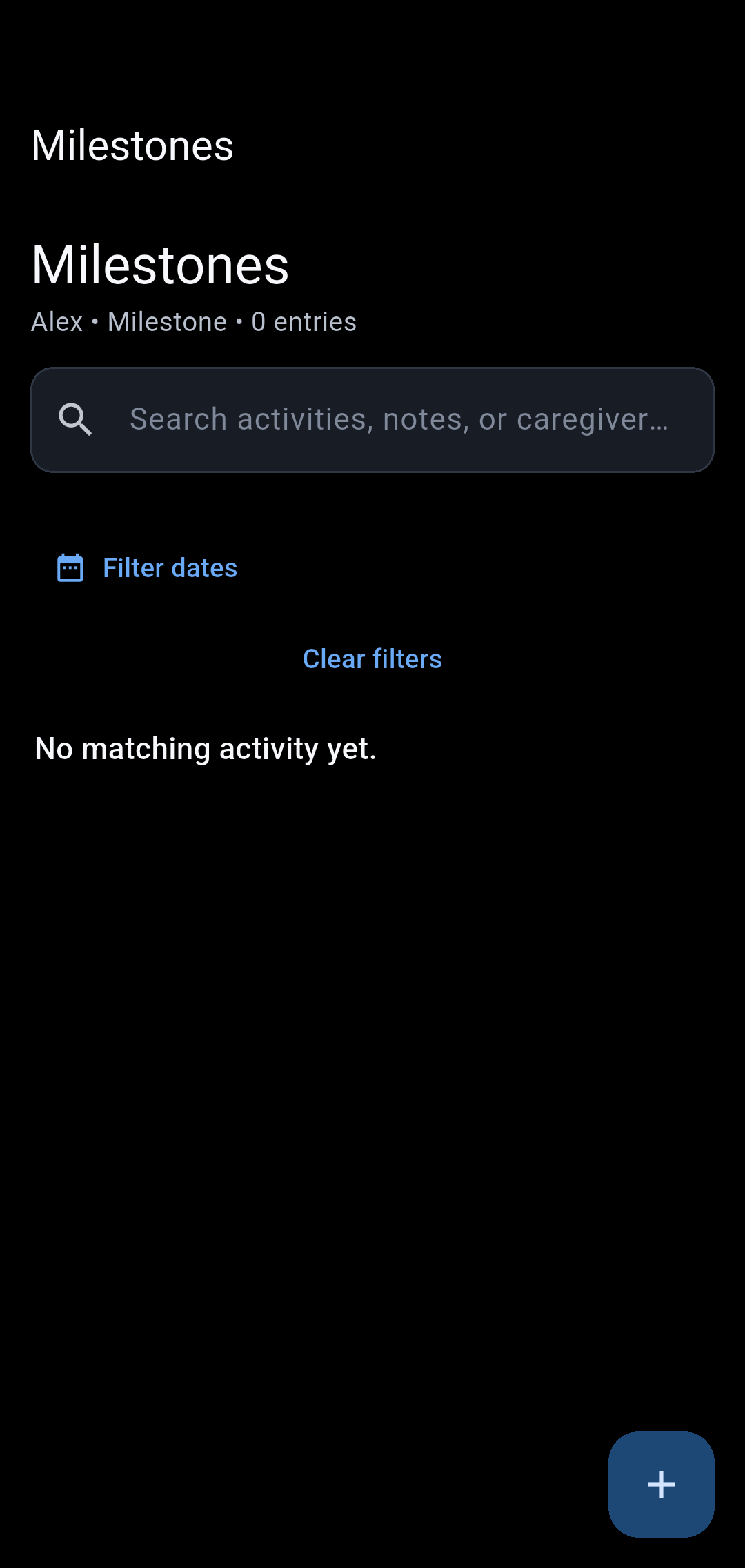
Milestones
Keep milestone entries and their photos together.
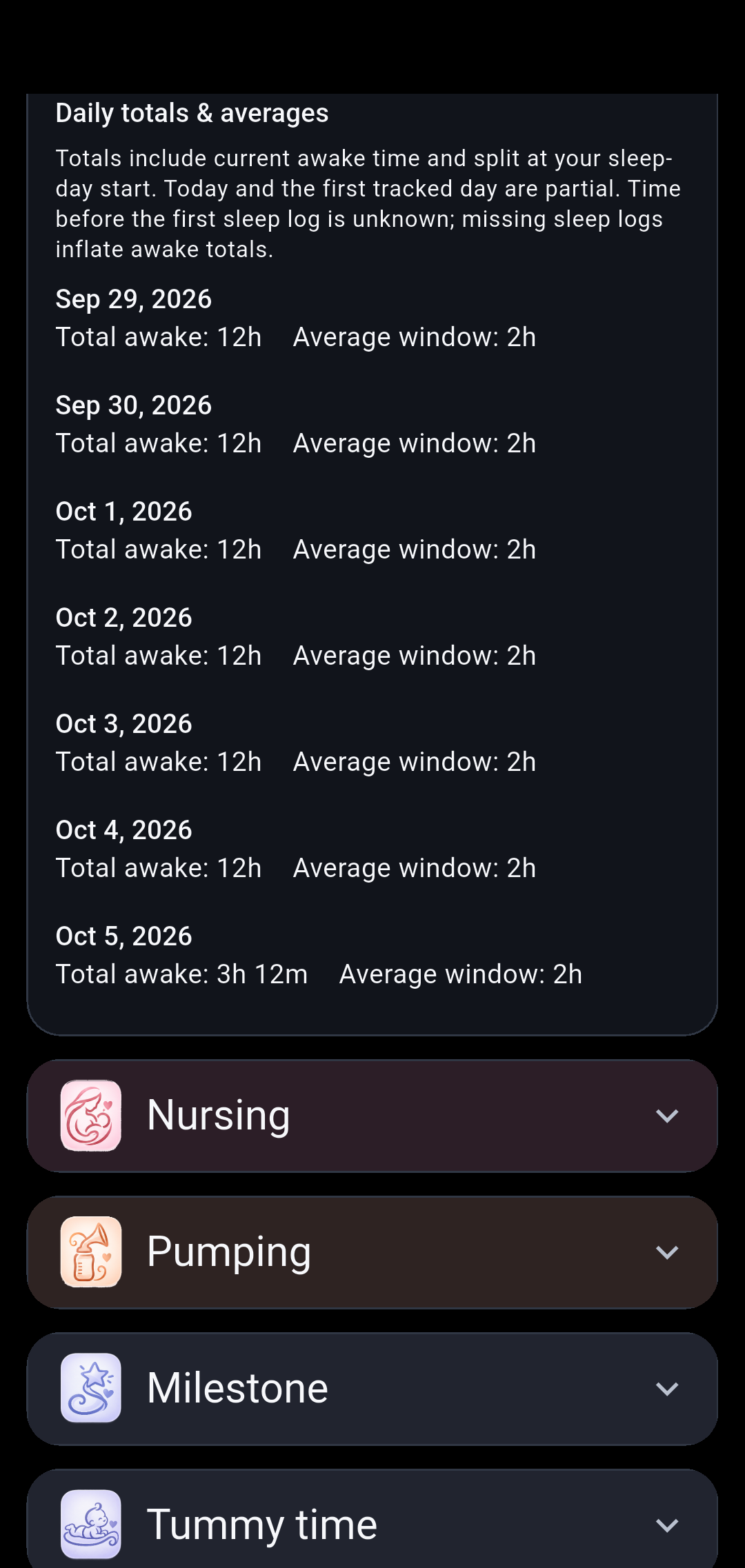
Daily awake time
See daily awake totals and average completed wake windows, calculated from sleep logs. Missing sleep logs can inflate awake totals.
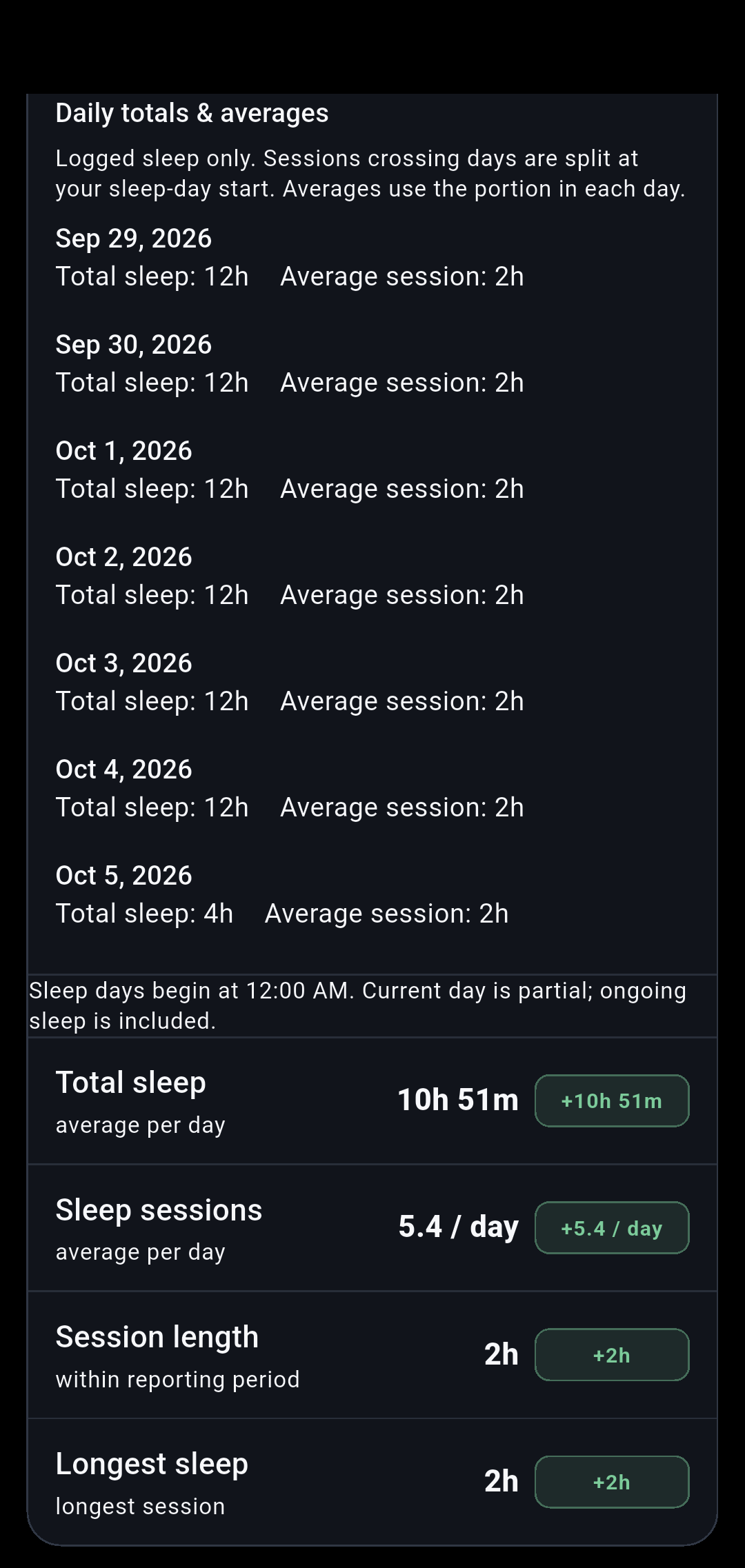
Daily sleep
See daily sleep totals and average sessions. Sessions crossing days are split at your selected sleep-day start.
Feeding and sleep5 screens
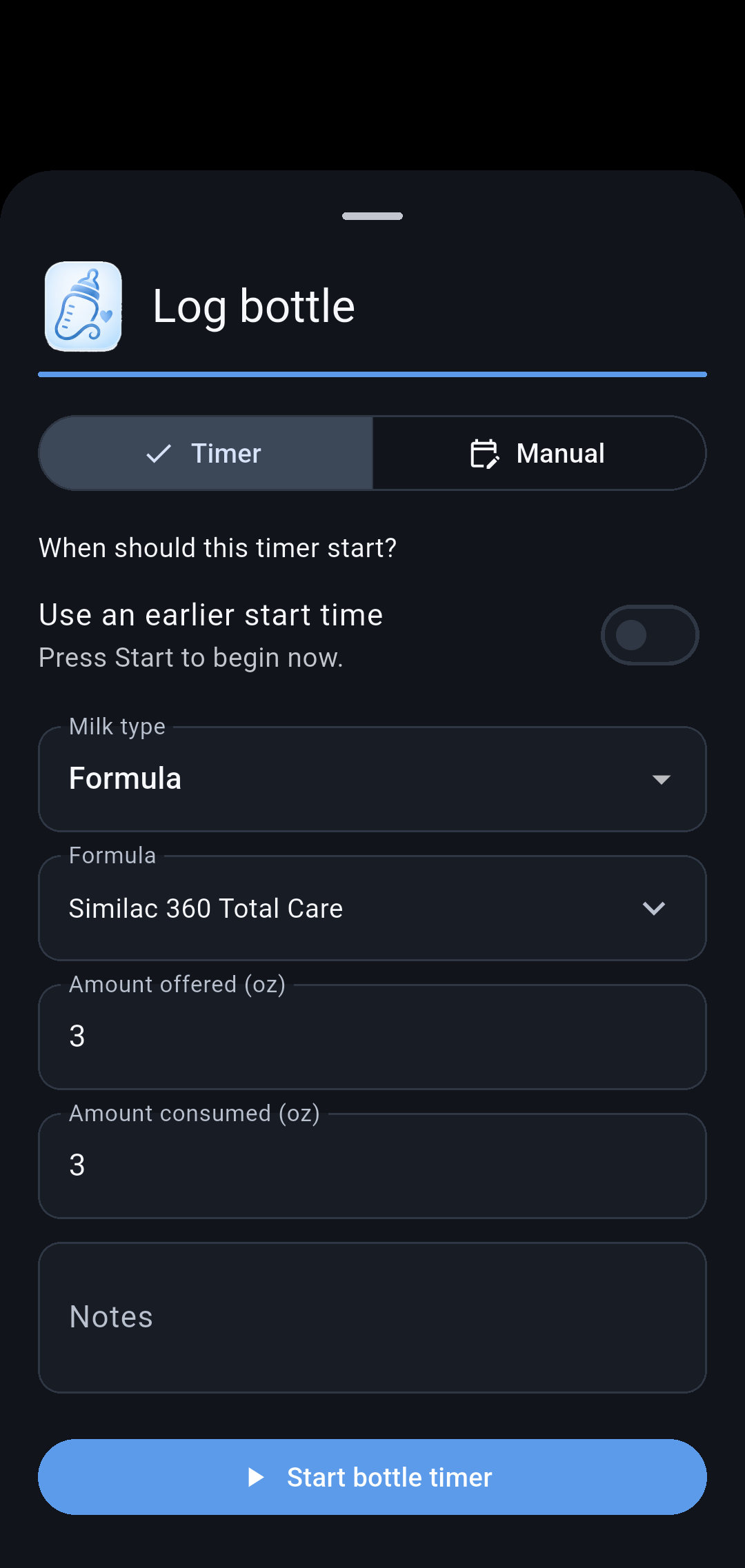
Bottle
Record milk type, formula, and amounts. Start a timer now or use an earlier start time.
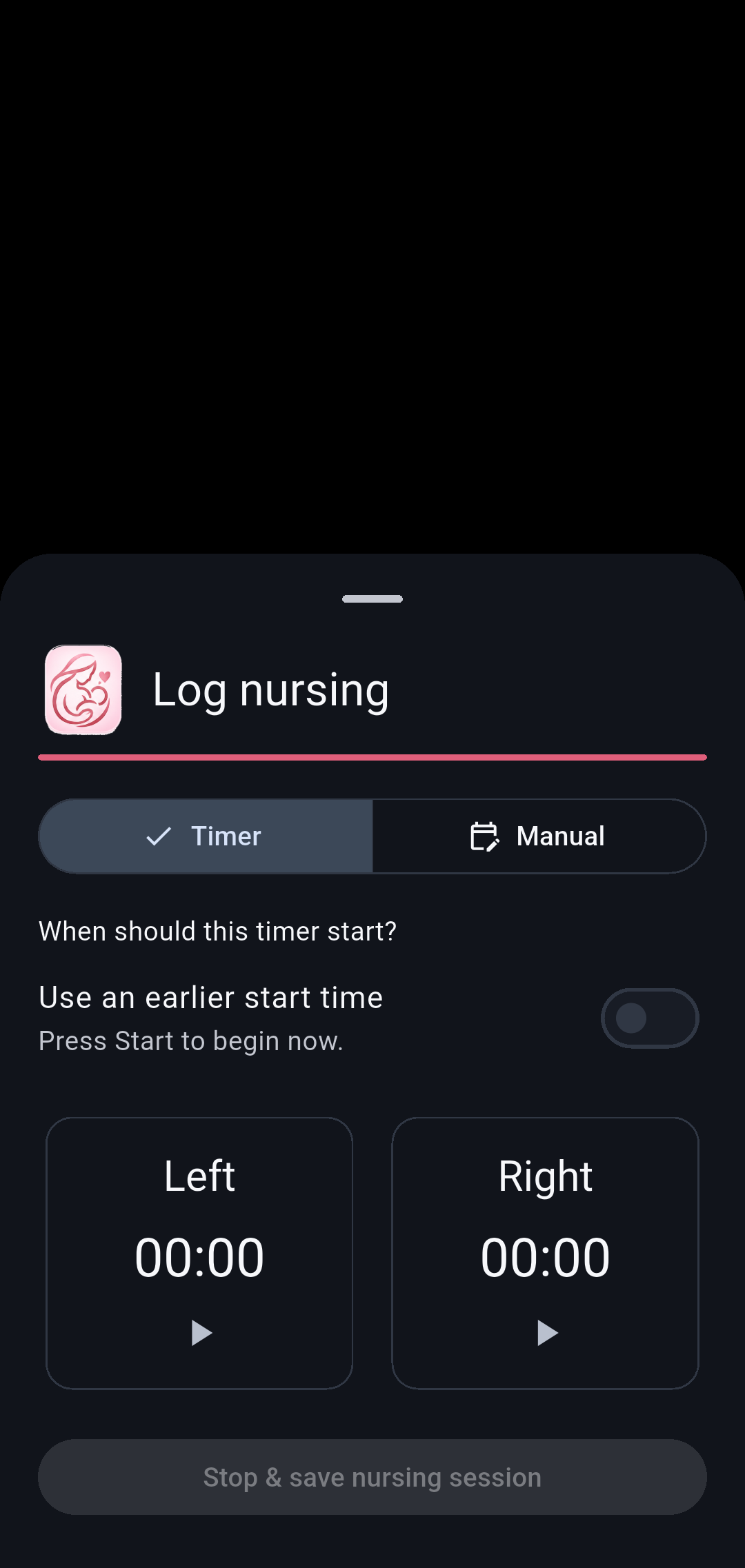
Nursing
Track nursing sessions with timer or manual entry.
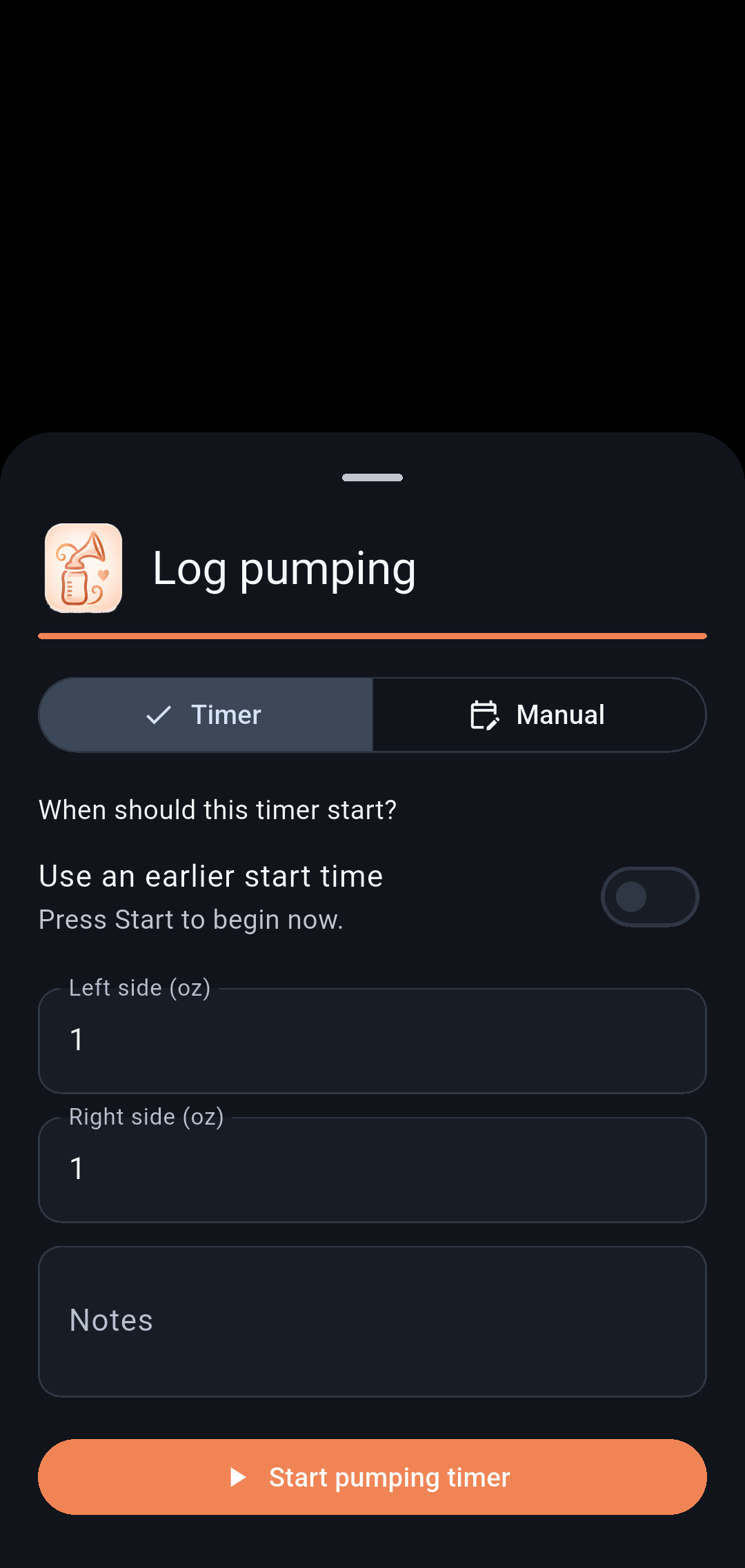
Pumping
Record pumping sessions and expressed milk.
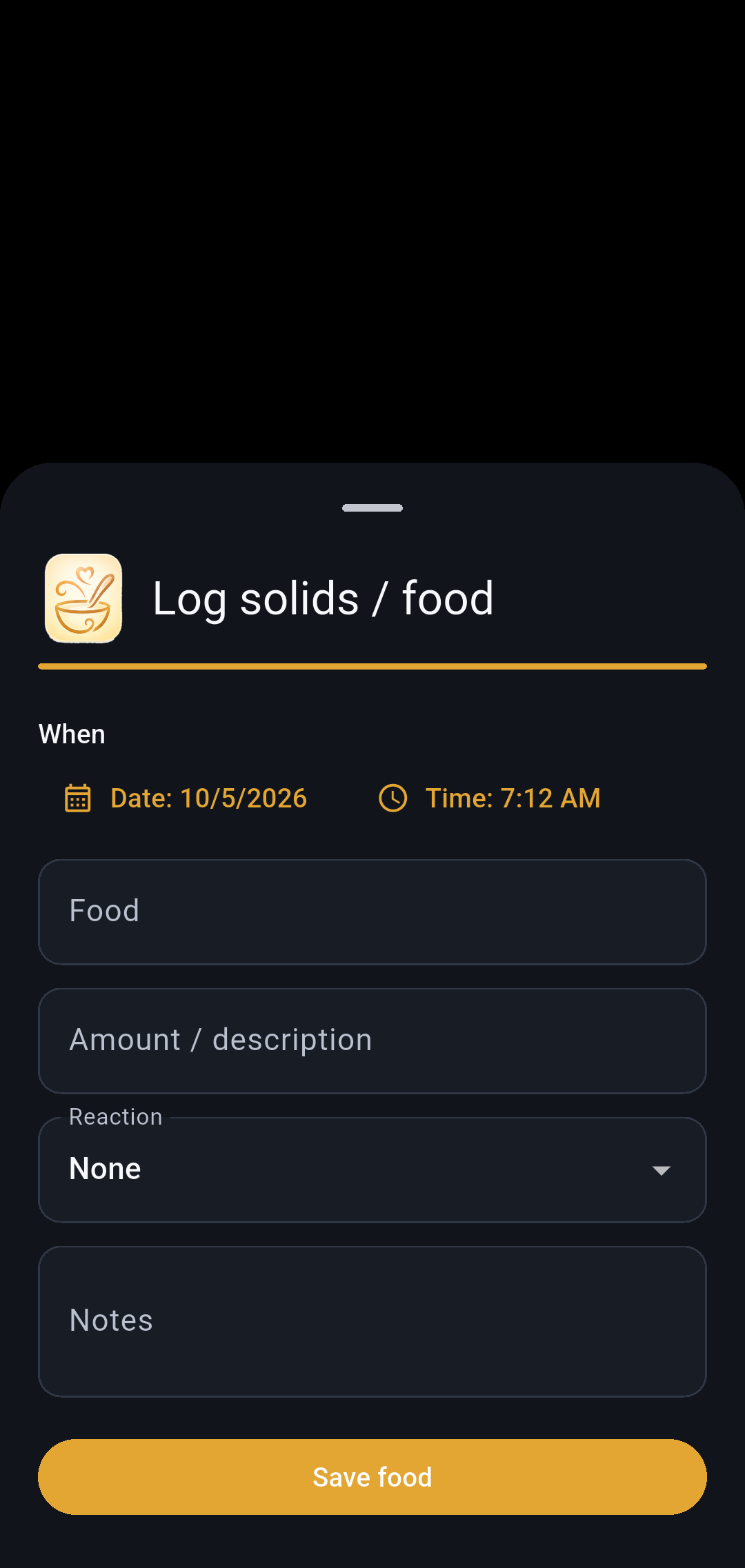
Solids
Keep a record of solid-food feeds.
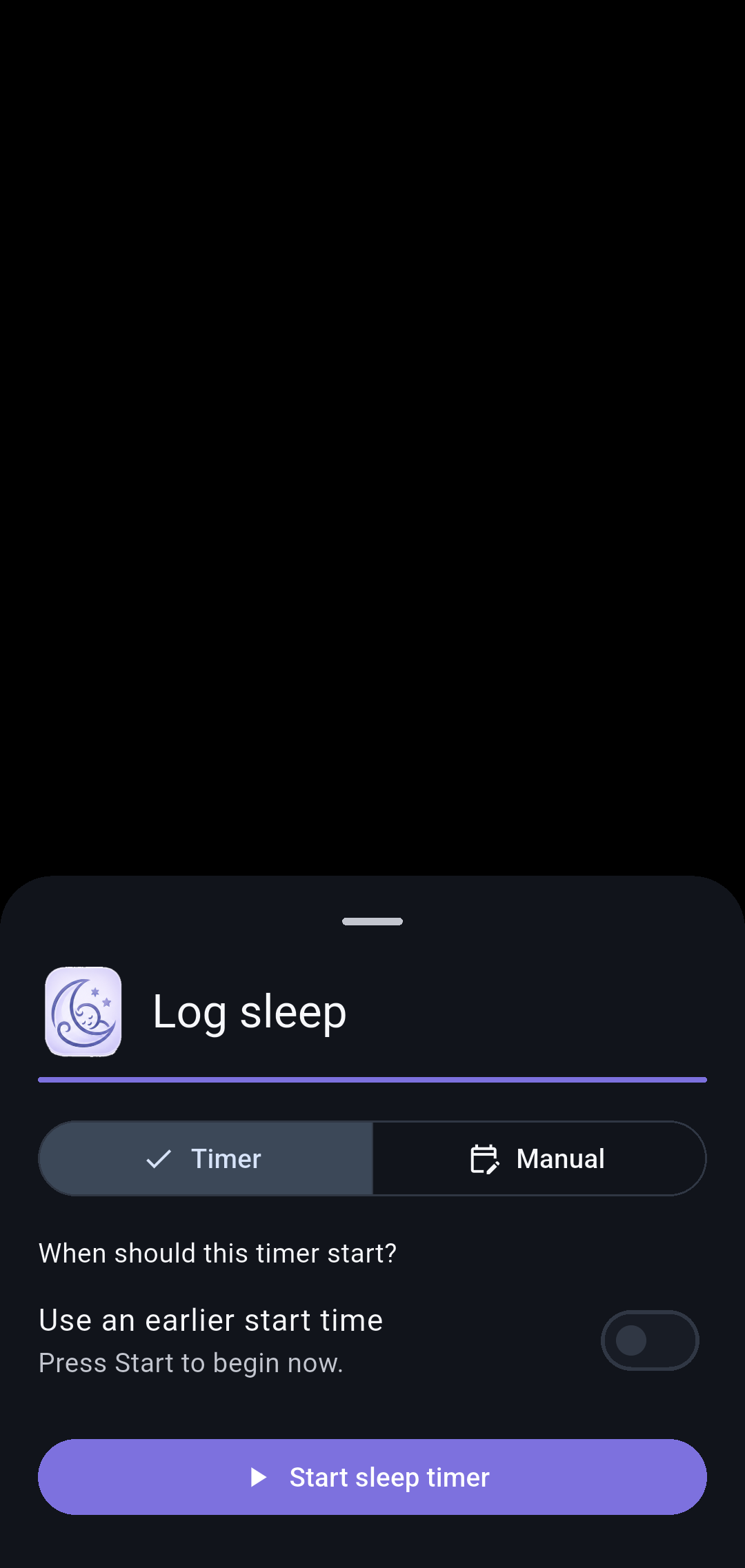
Sleep
Start a sleep timer or enter a completed sleep period.
Everyday tracking6 screens
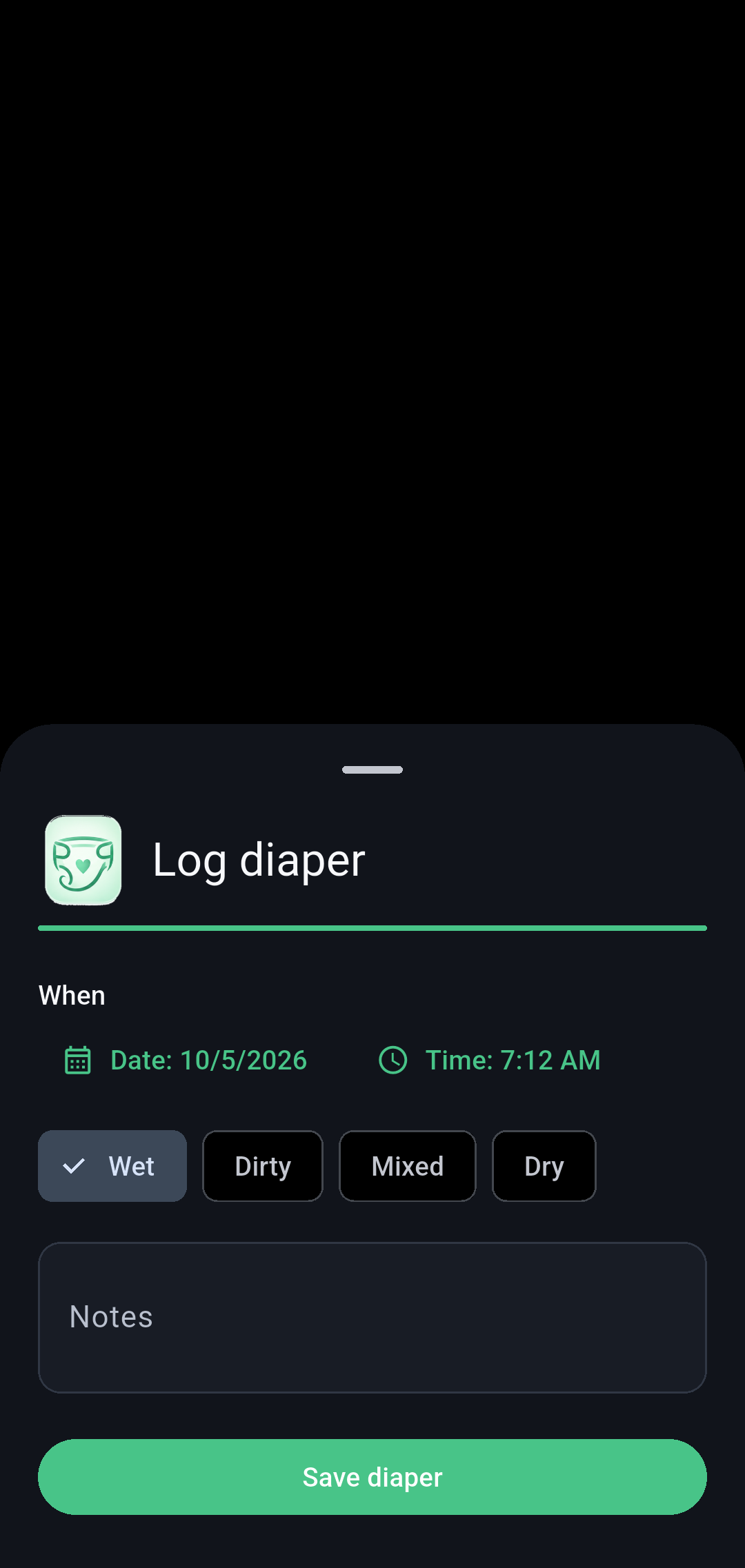
Diaper
Record wet, dirty, mixed, or dry changes.
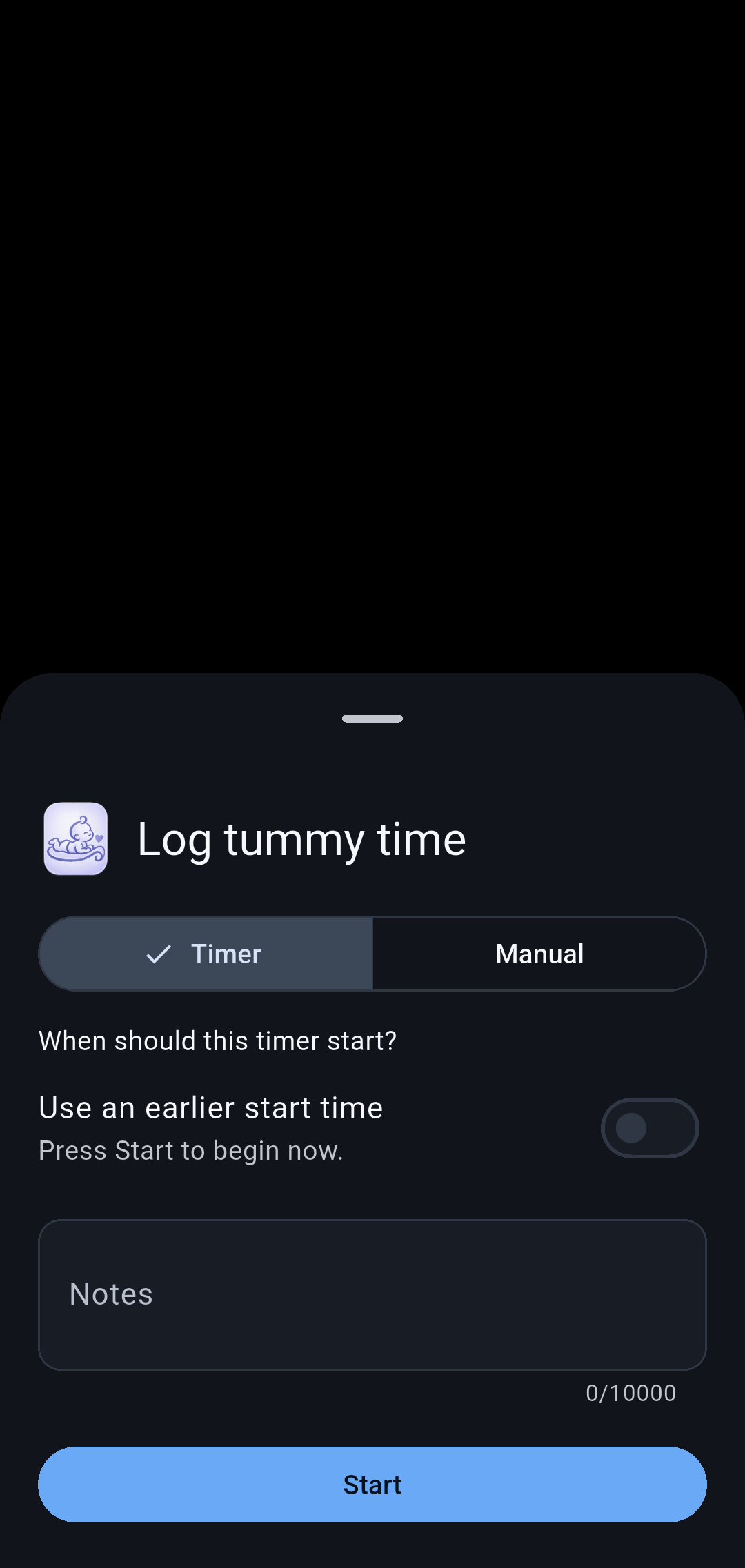
Tummy time
Track tummy-time sessions.
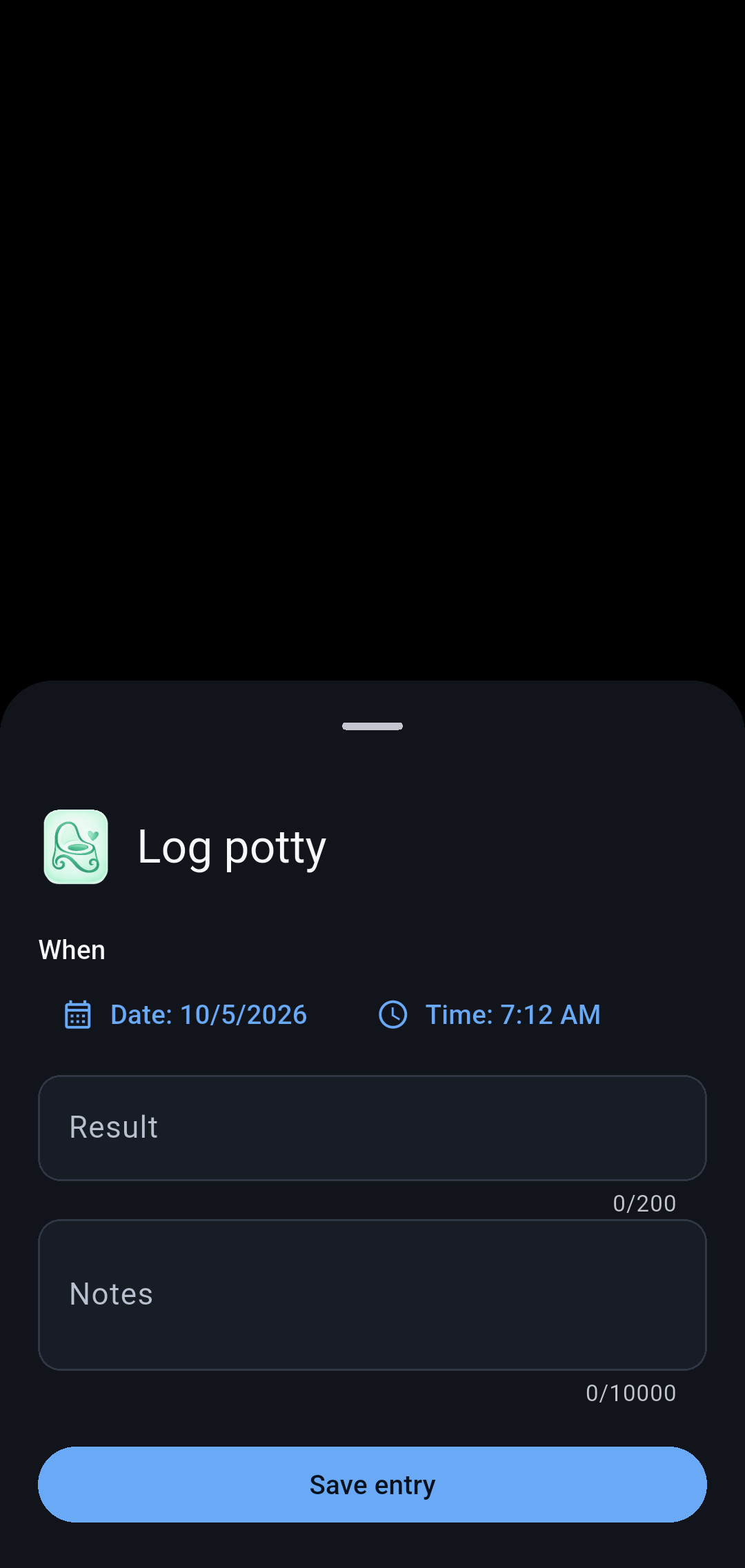
Potty
Log potty-training activity.
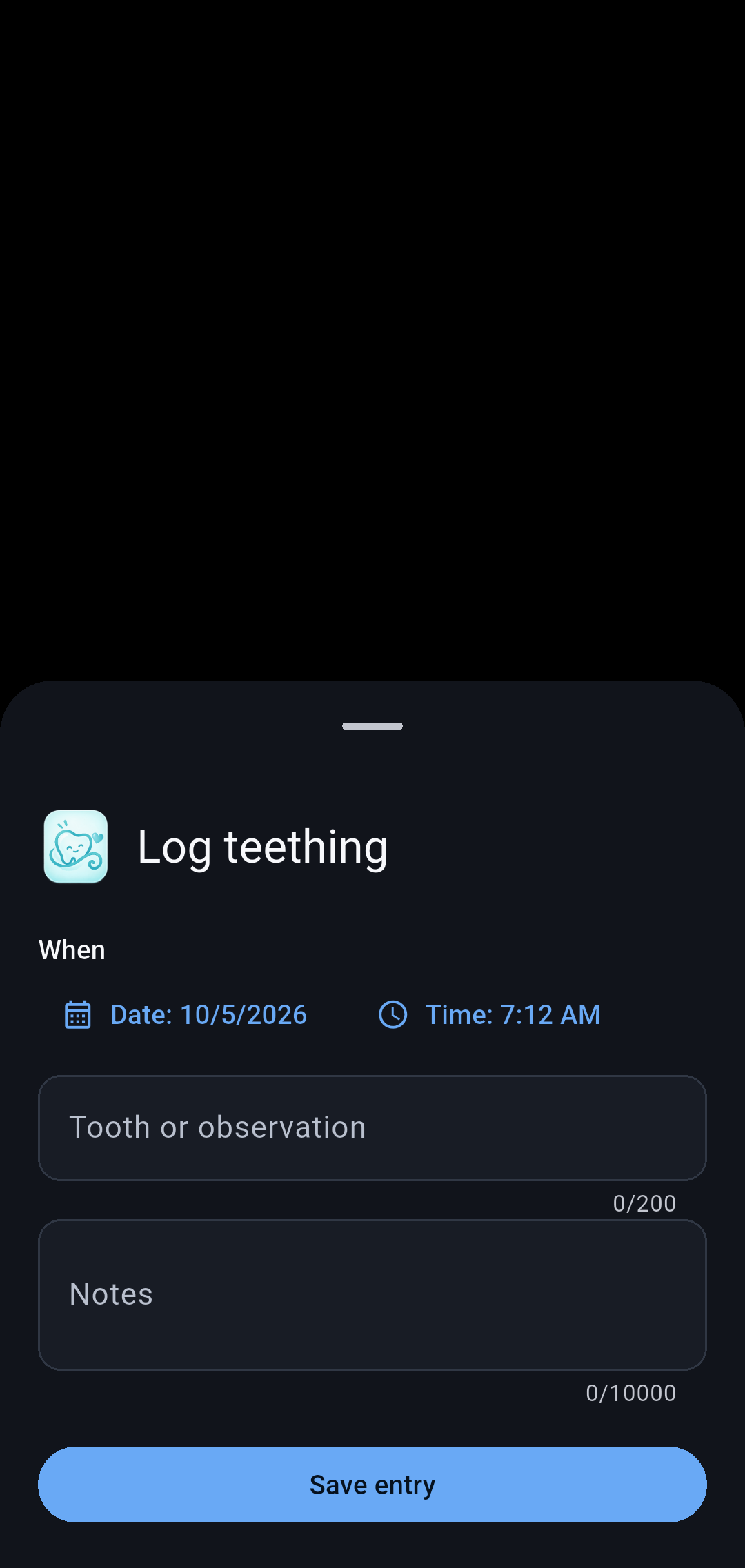
Teething
Keep notes about teething.
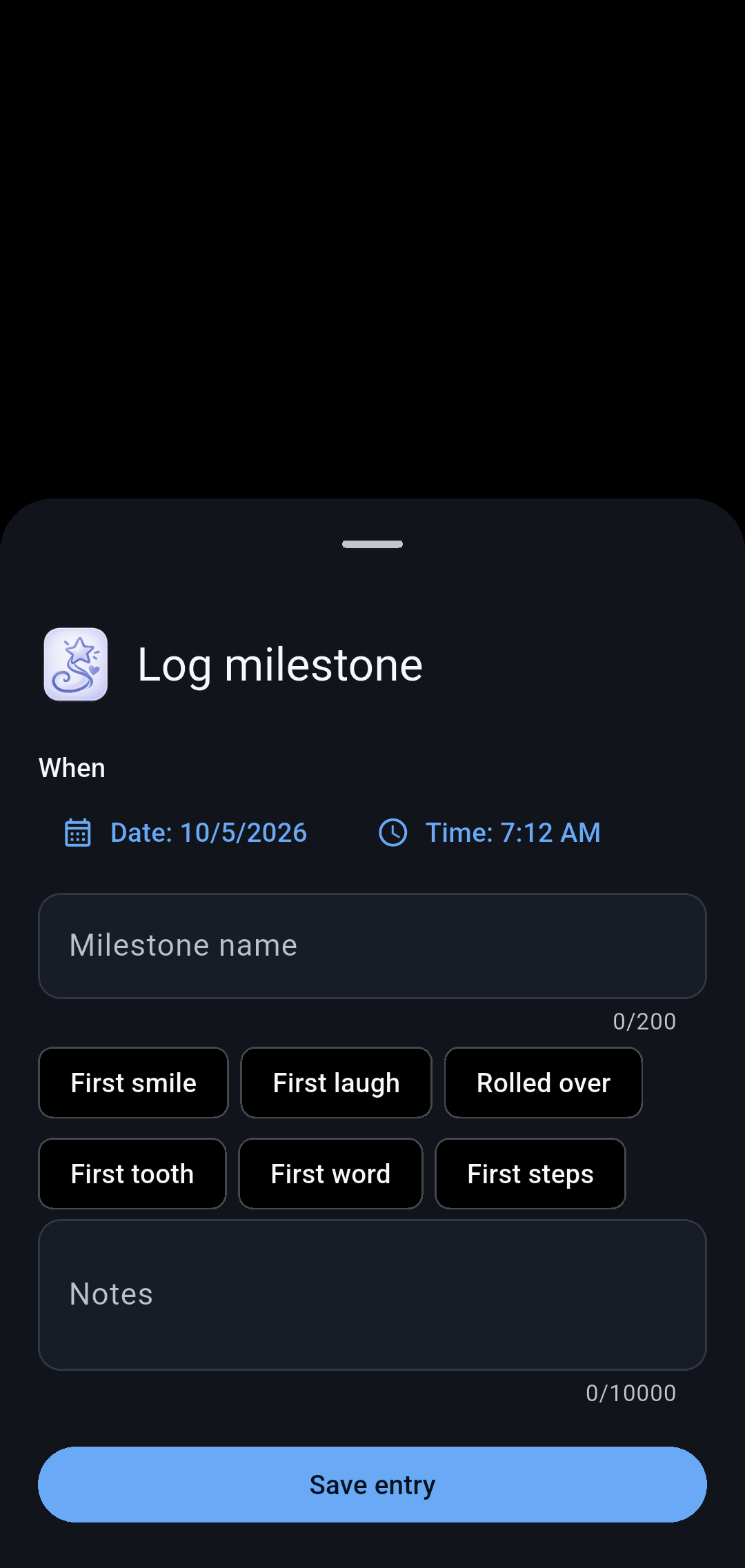
Add a milestone
Record a new milestone and optional photo.
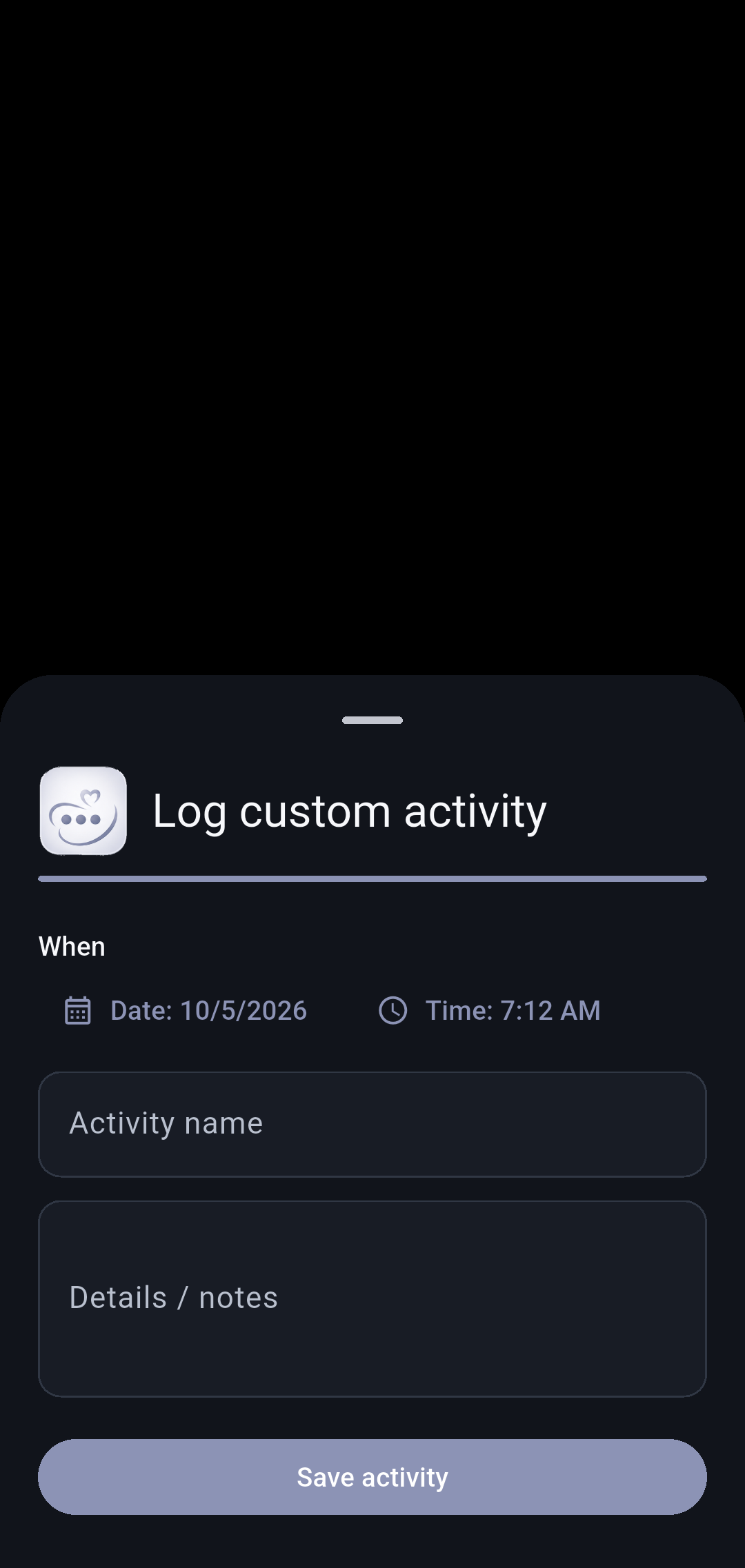
Custom activity
Record an activity that does not fit another category.
Health records6 screens
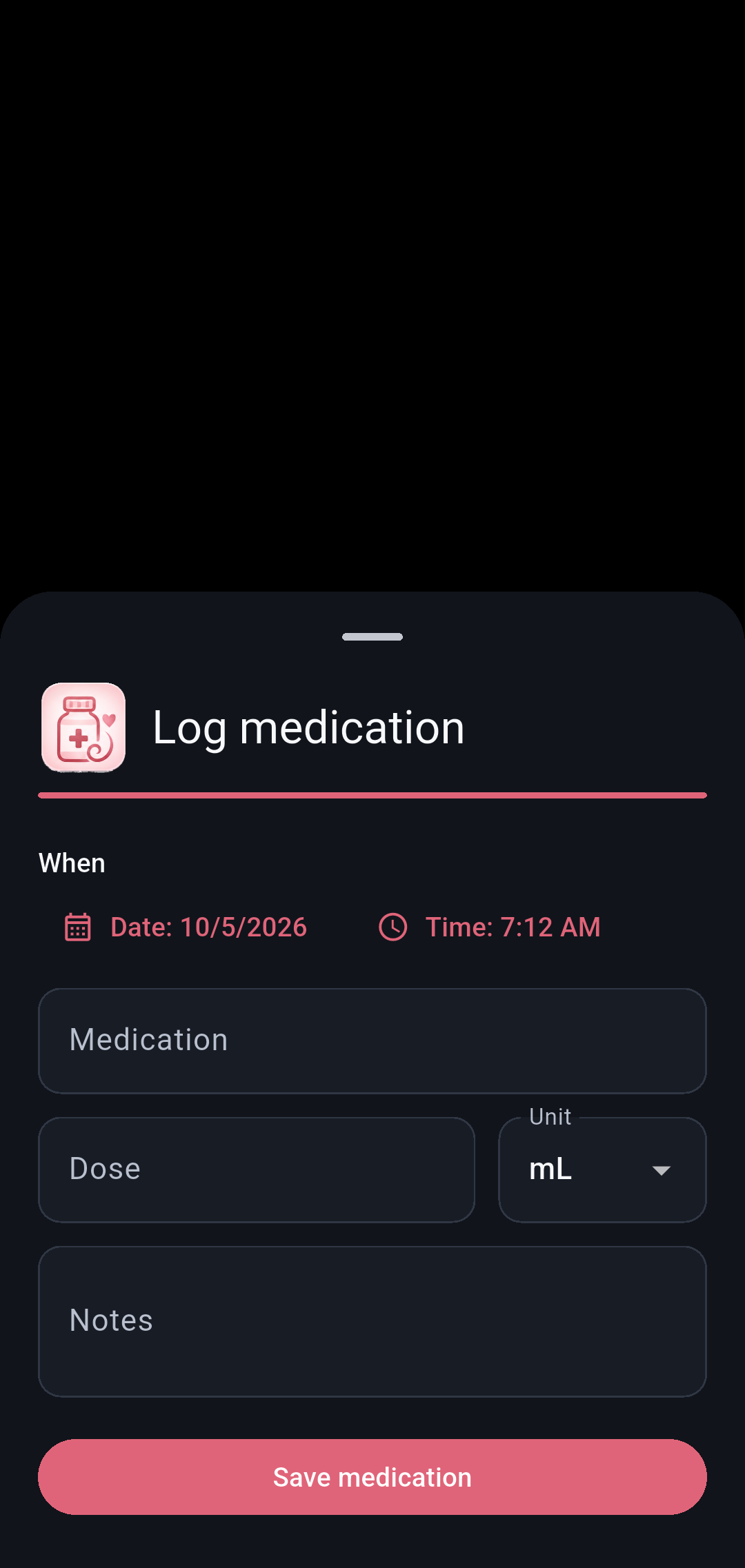
Medication
Record medication details and doses given.
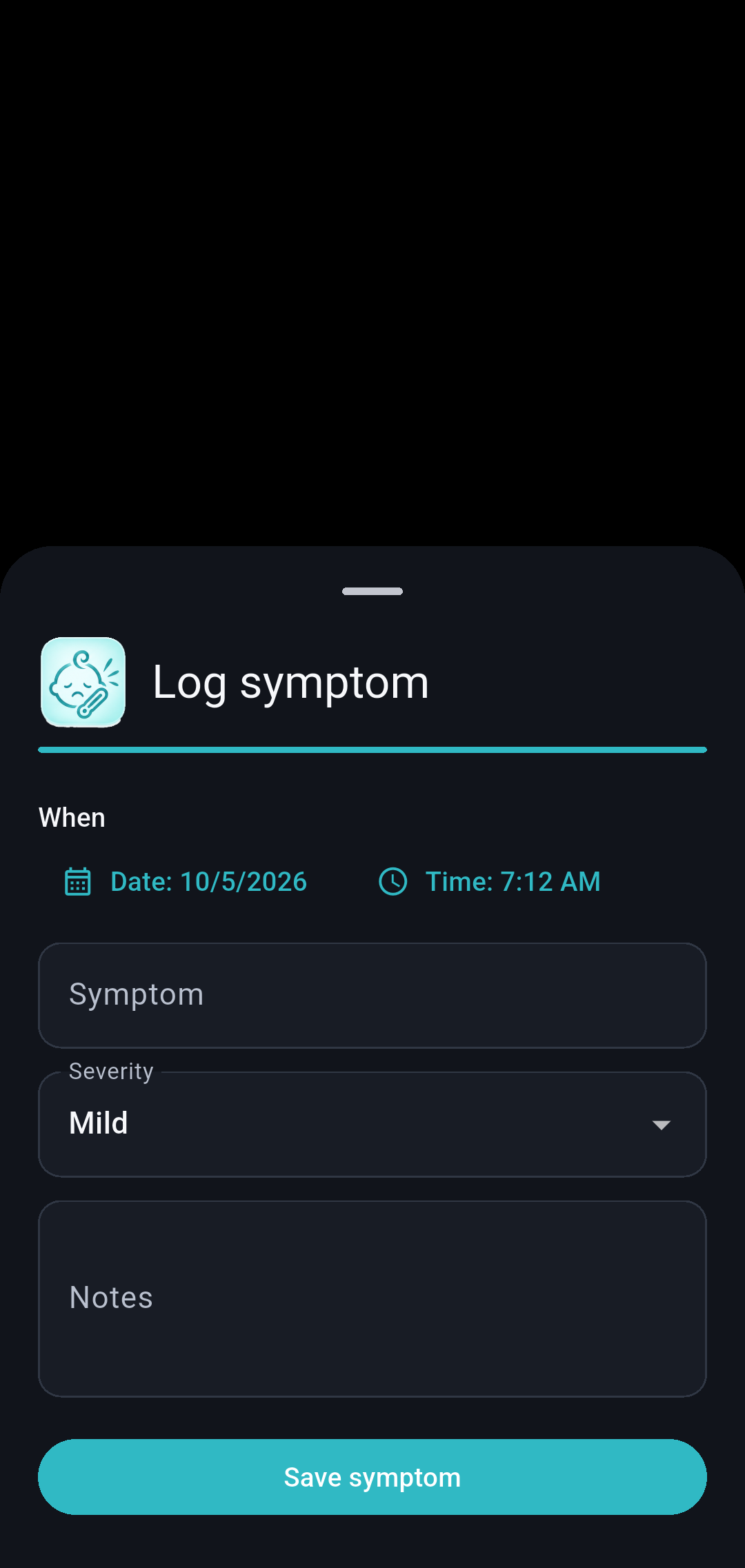
Symptoms
Keep symptom observations in the care history.
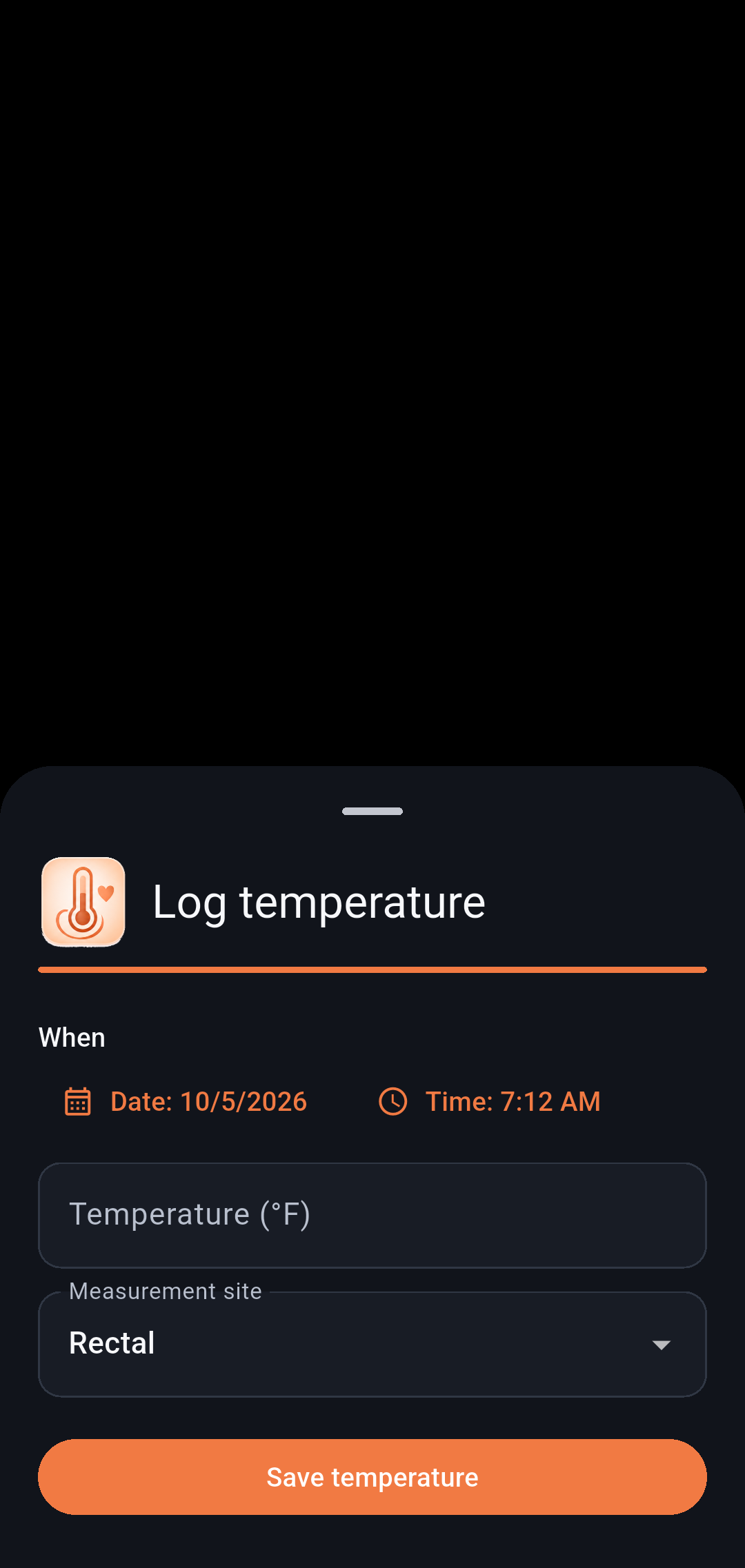
Temperature
Record a temperature measurement.
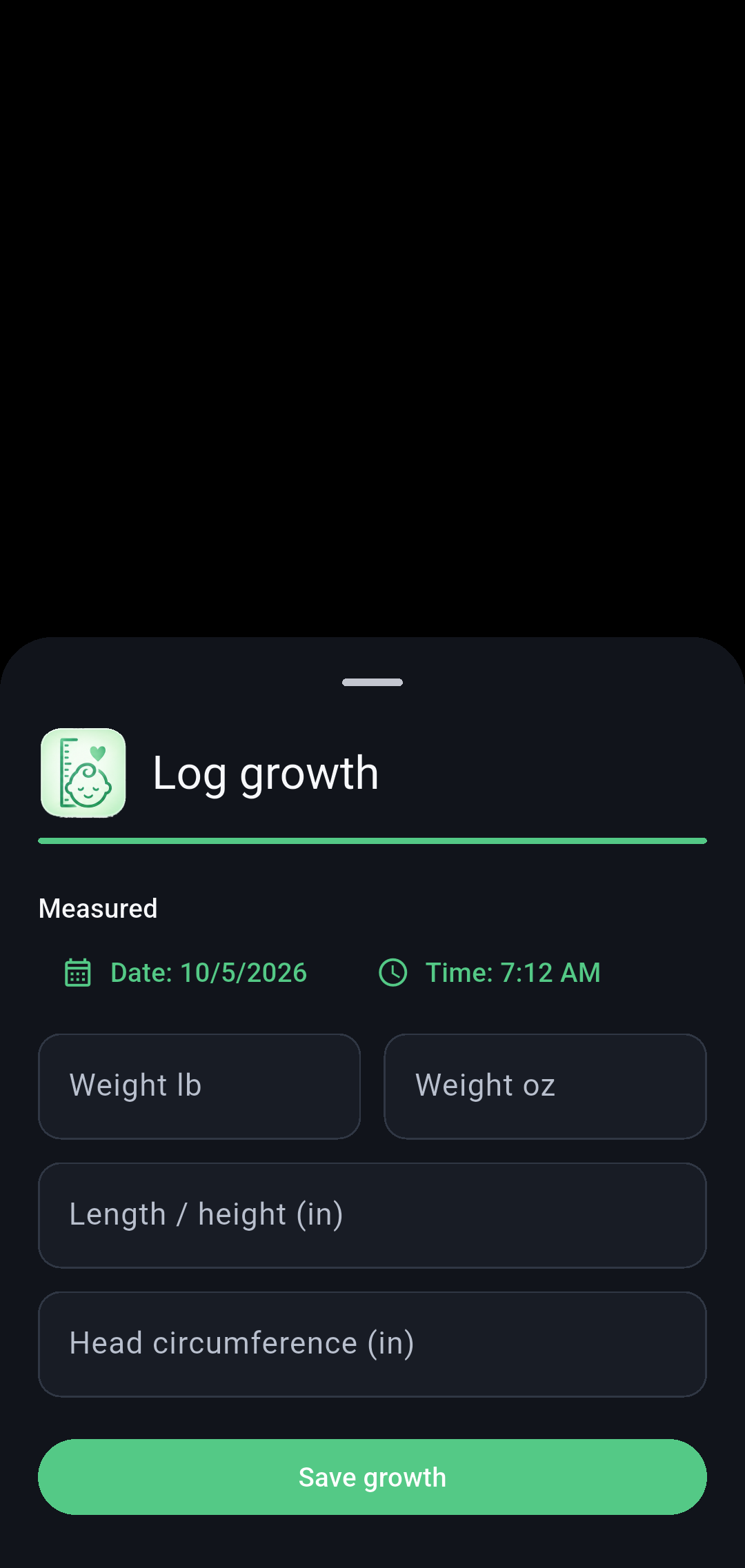
Growth measurement
Add measurements used in the growth record.
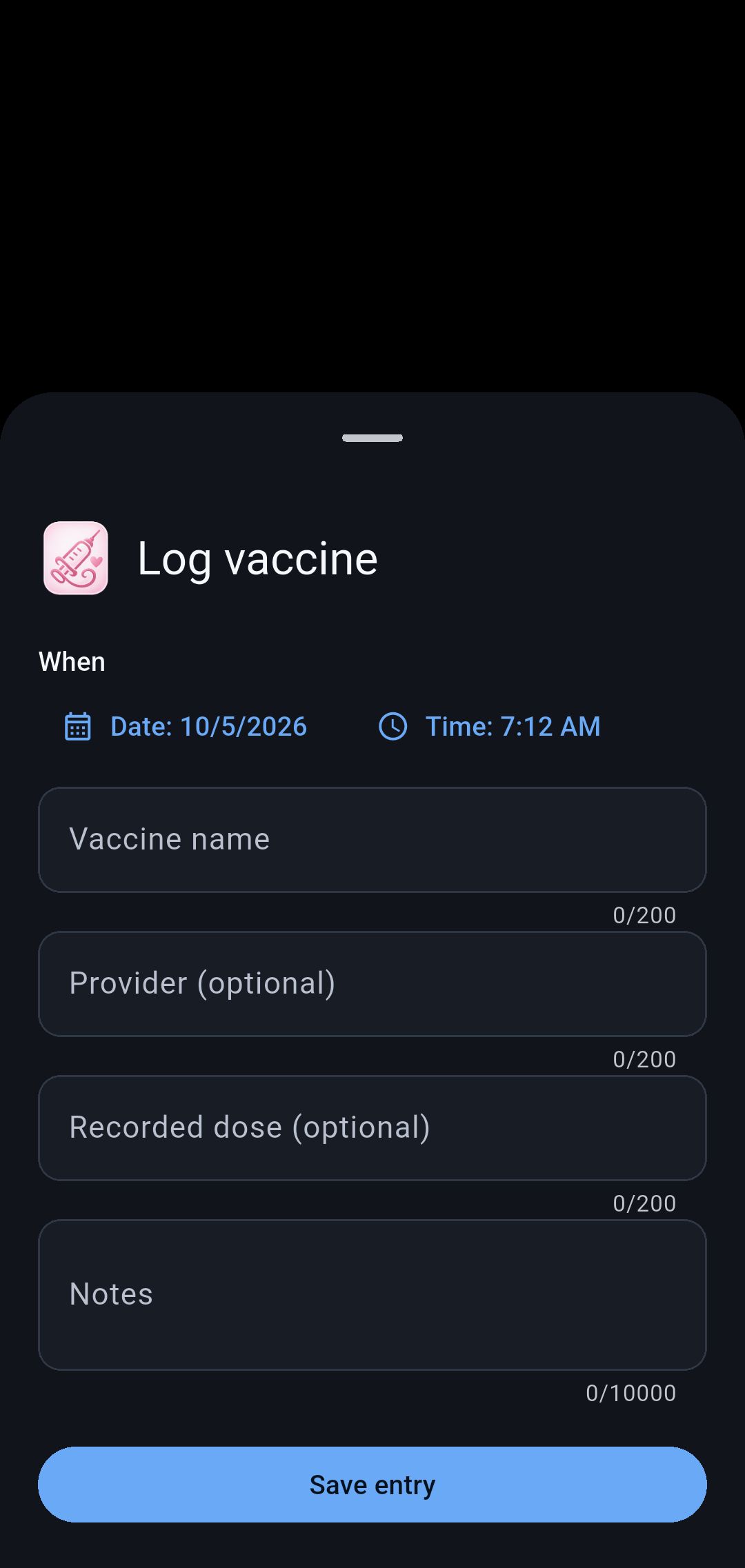
Vaccines
Record vaccination details.
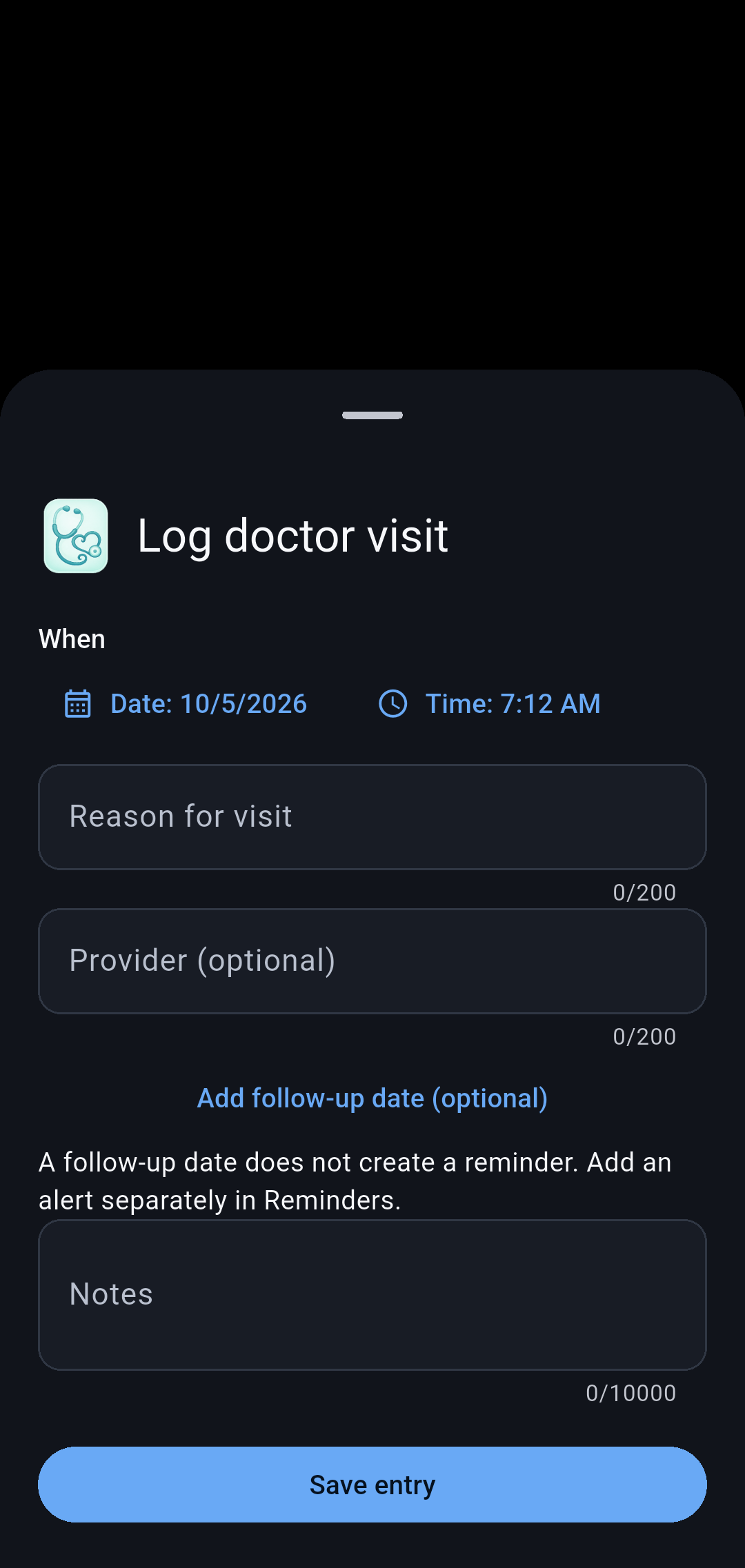
Doctor visits
Keep visit details and notes together.
Family and tools5 screens
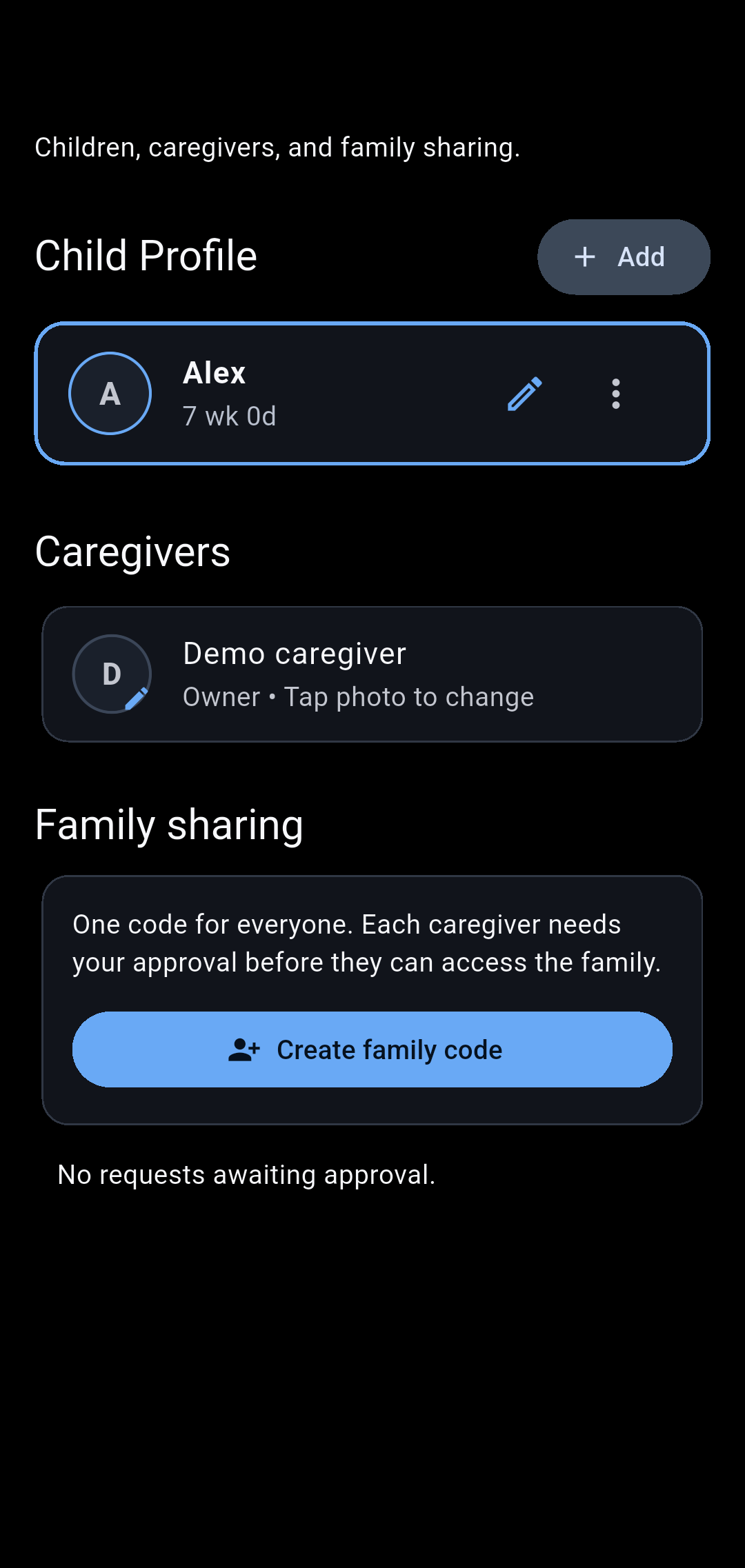
Family
Manage children, caregivers, and family invitations.
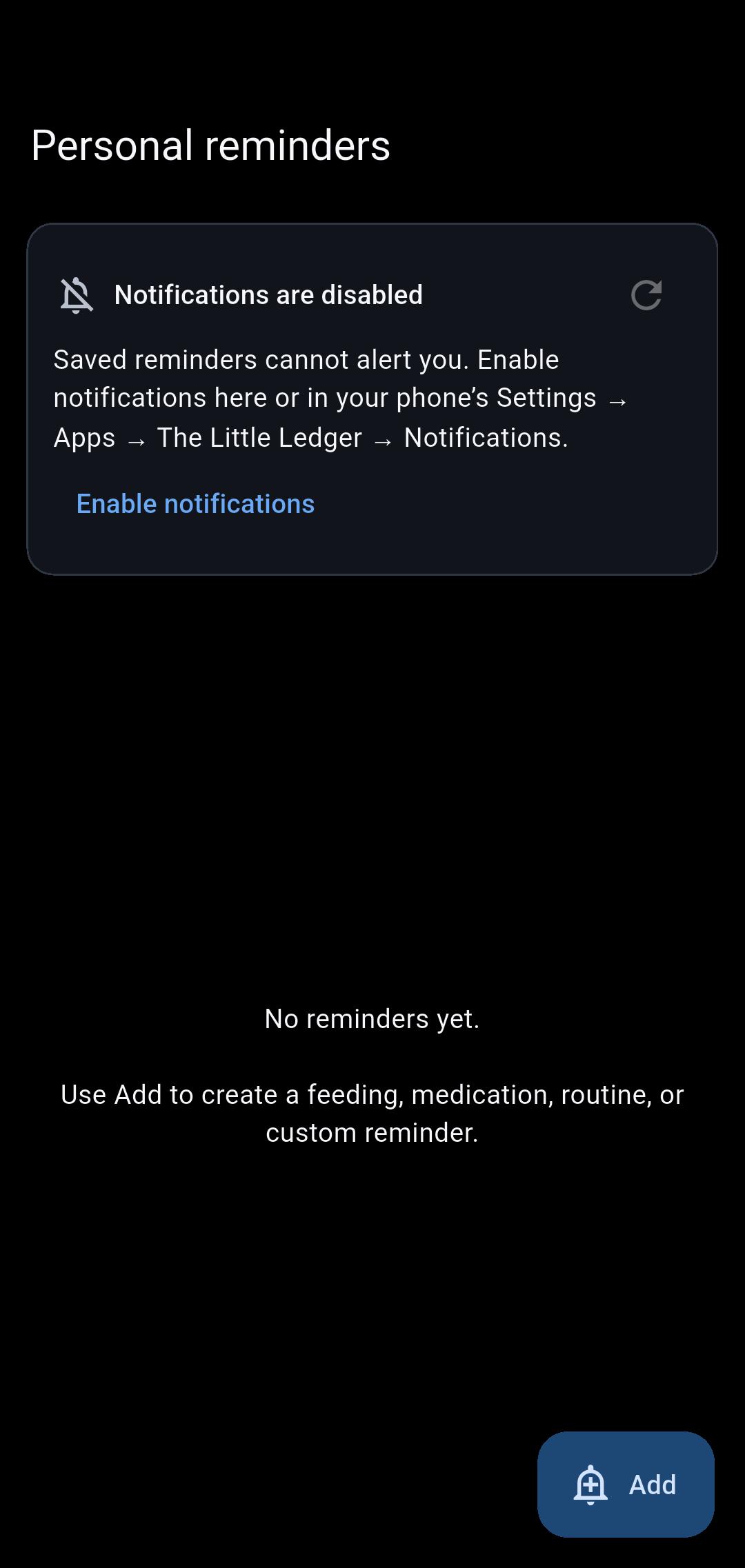
Reminders
Create and manage care reminders.
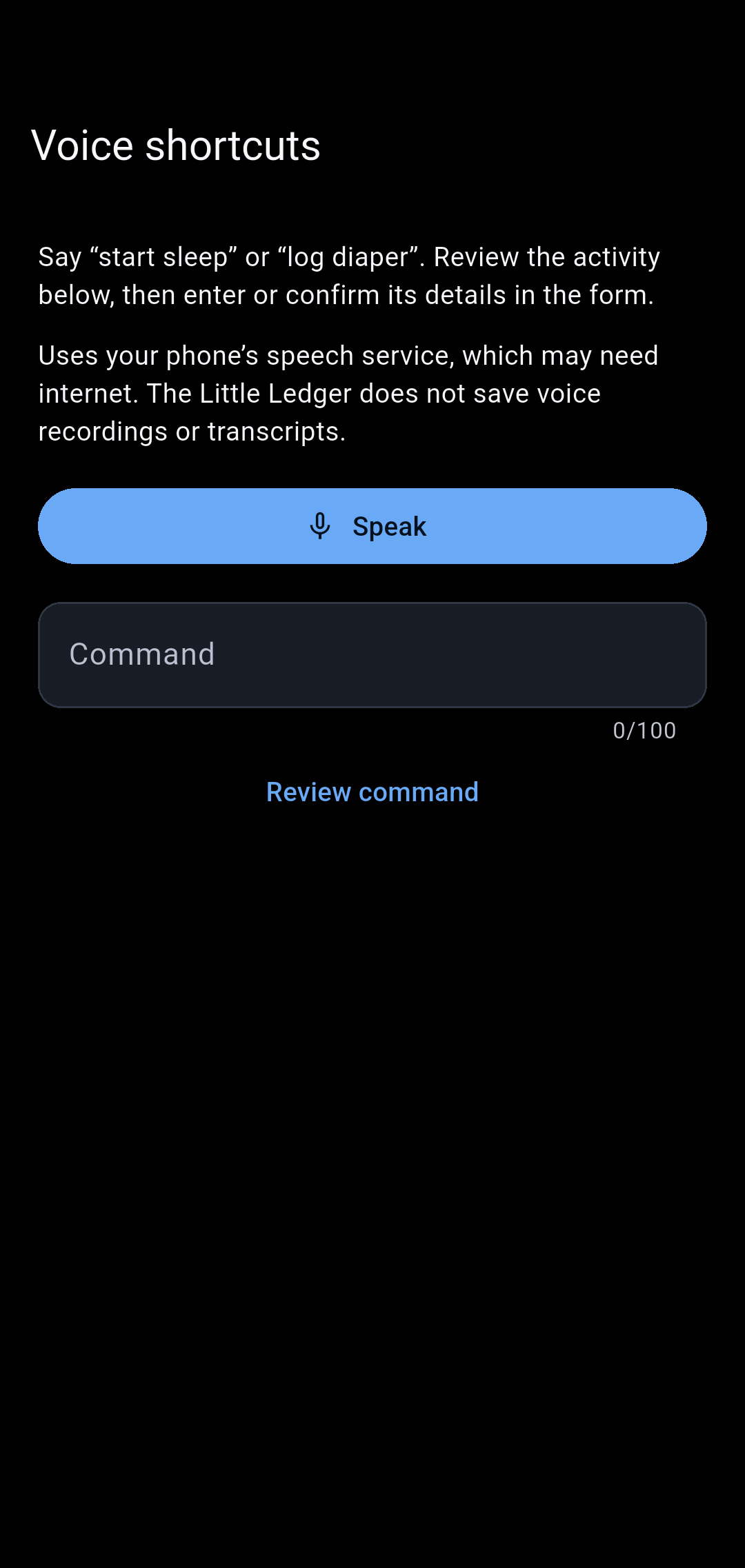
Voice shortcuts · Android
Review the voice shortcuts available for care logging.
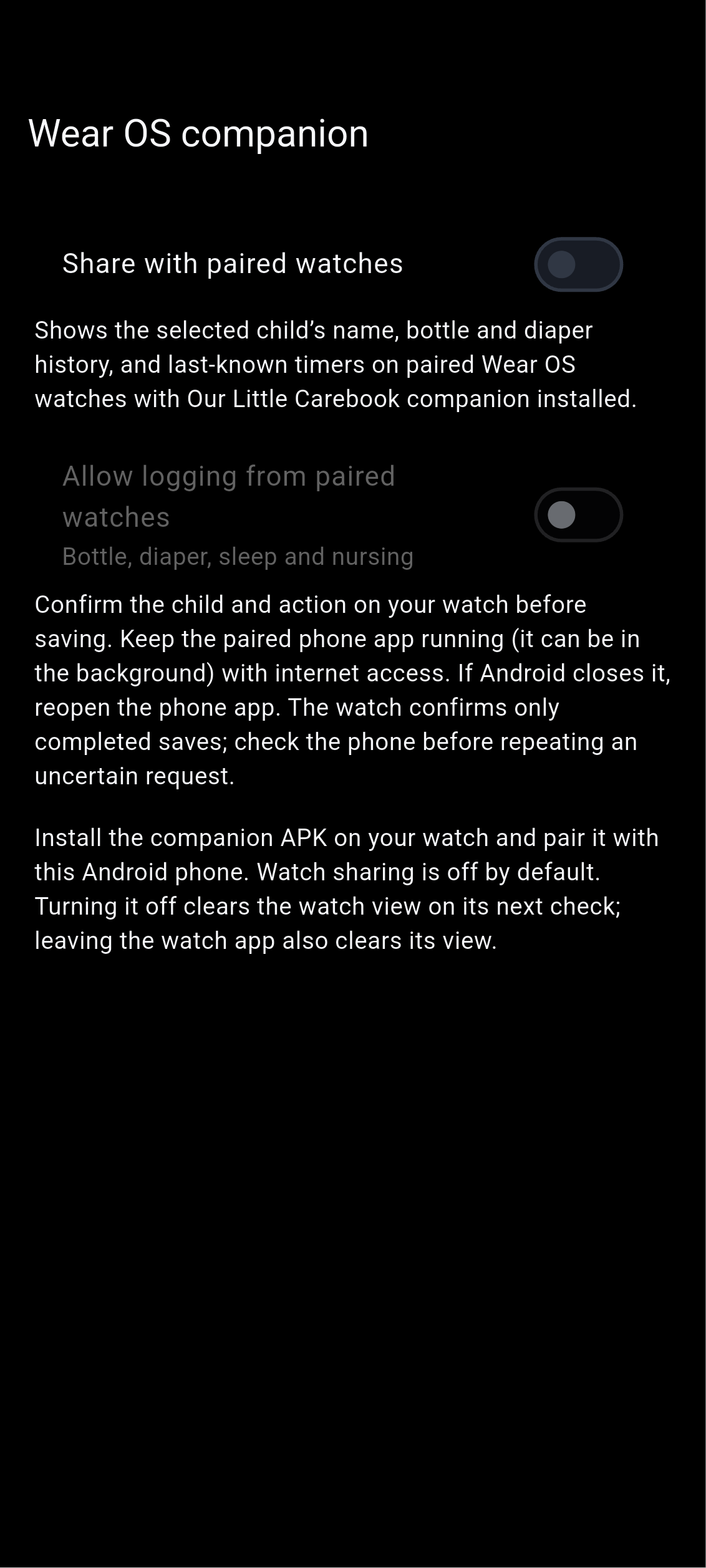
Watch settings · Android
Choose Android paired-watch summary sharing and optional logging. The phone app must be running; paired-device logging is still in private testing. Apple Watch is not supported.
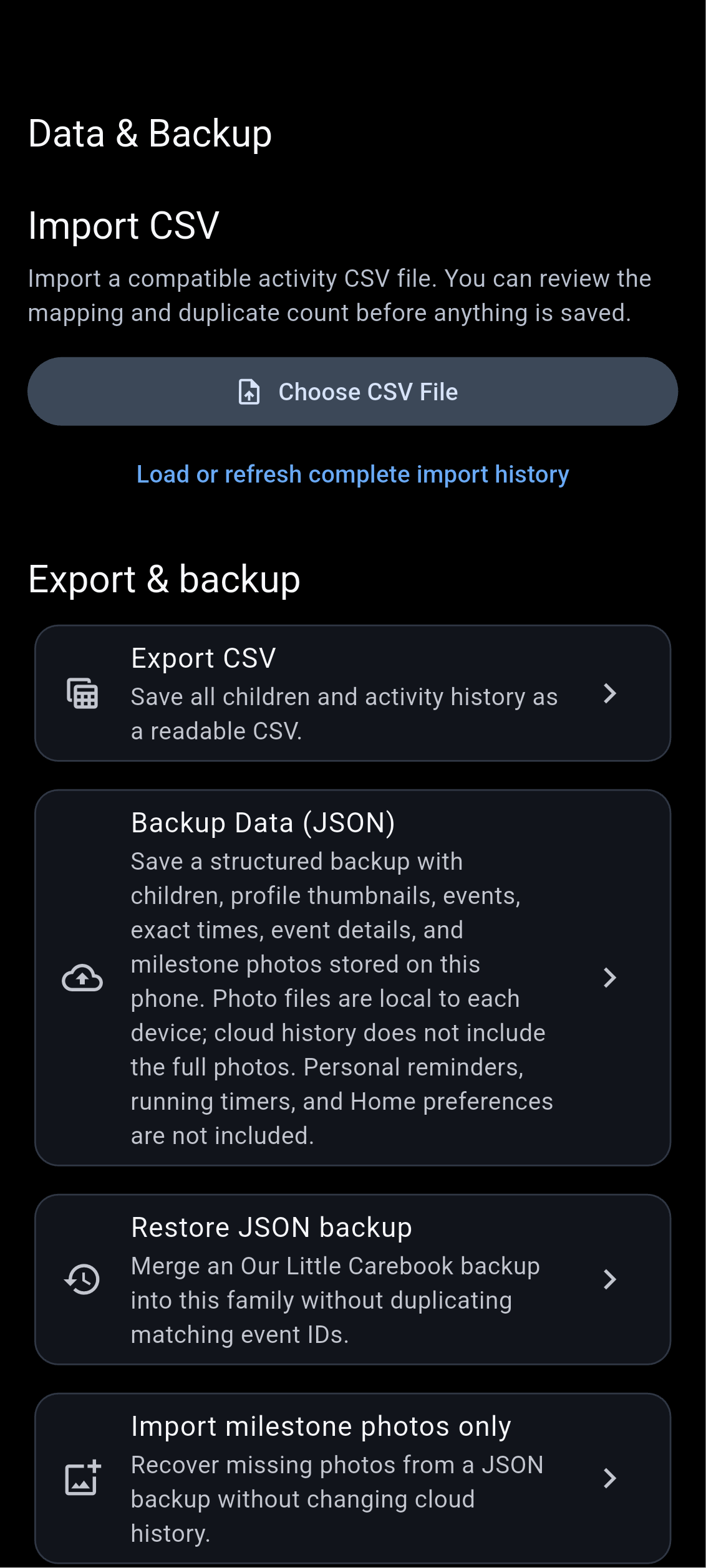
Data tools
Find import, export, backup, and restore tools.
Account and settings5 screens
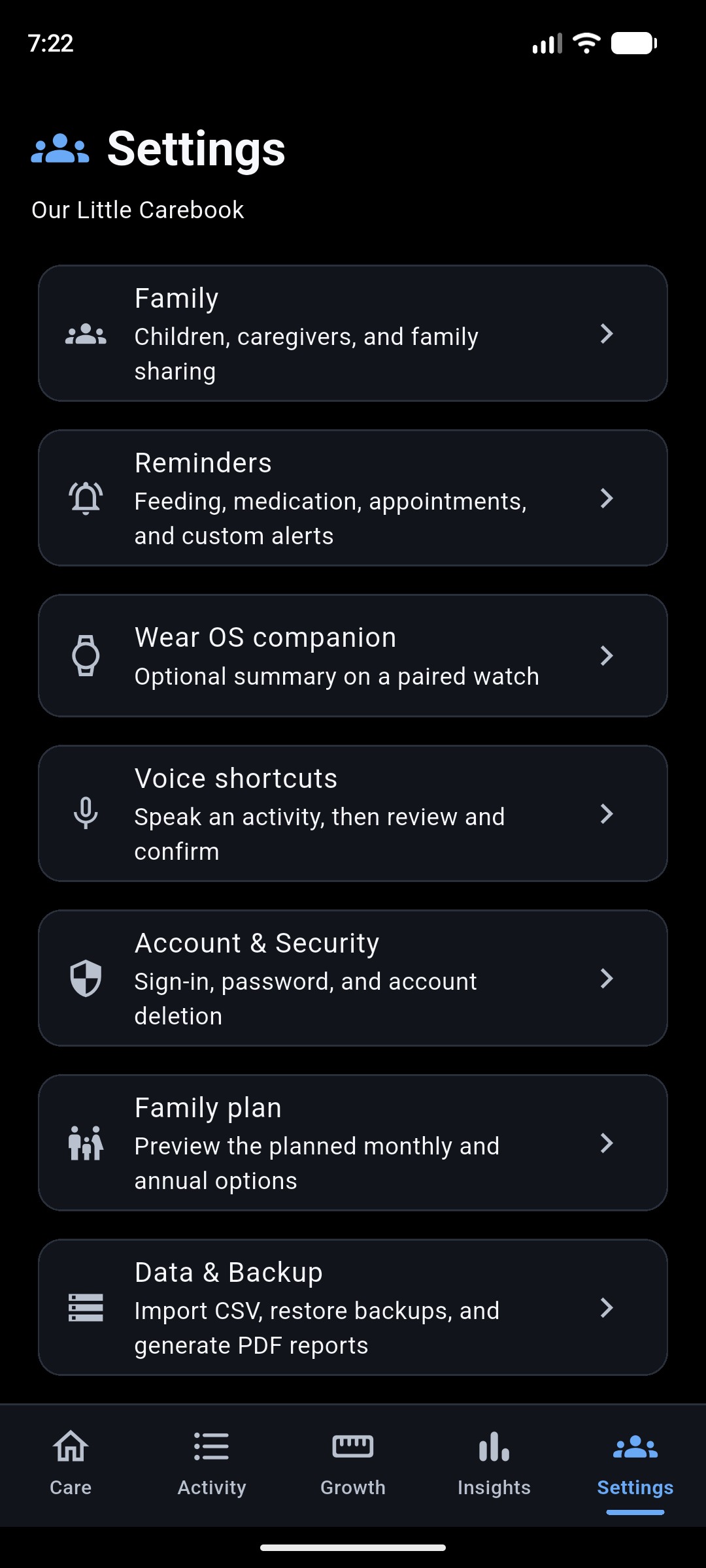
Settings
Access account, family, and app preferences.
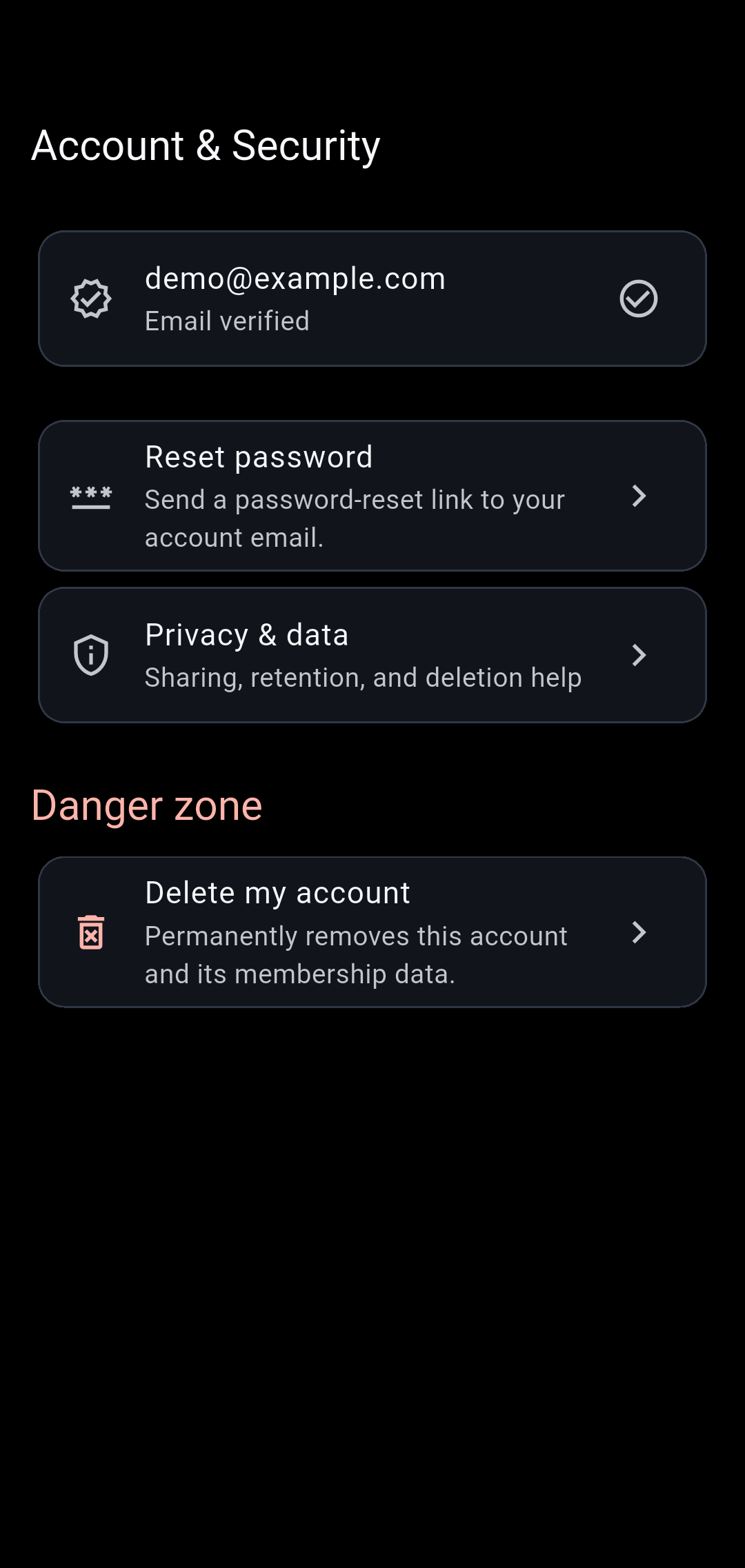
Account security
Manage account security and account actions.
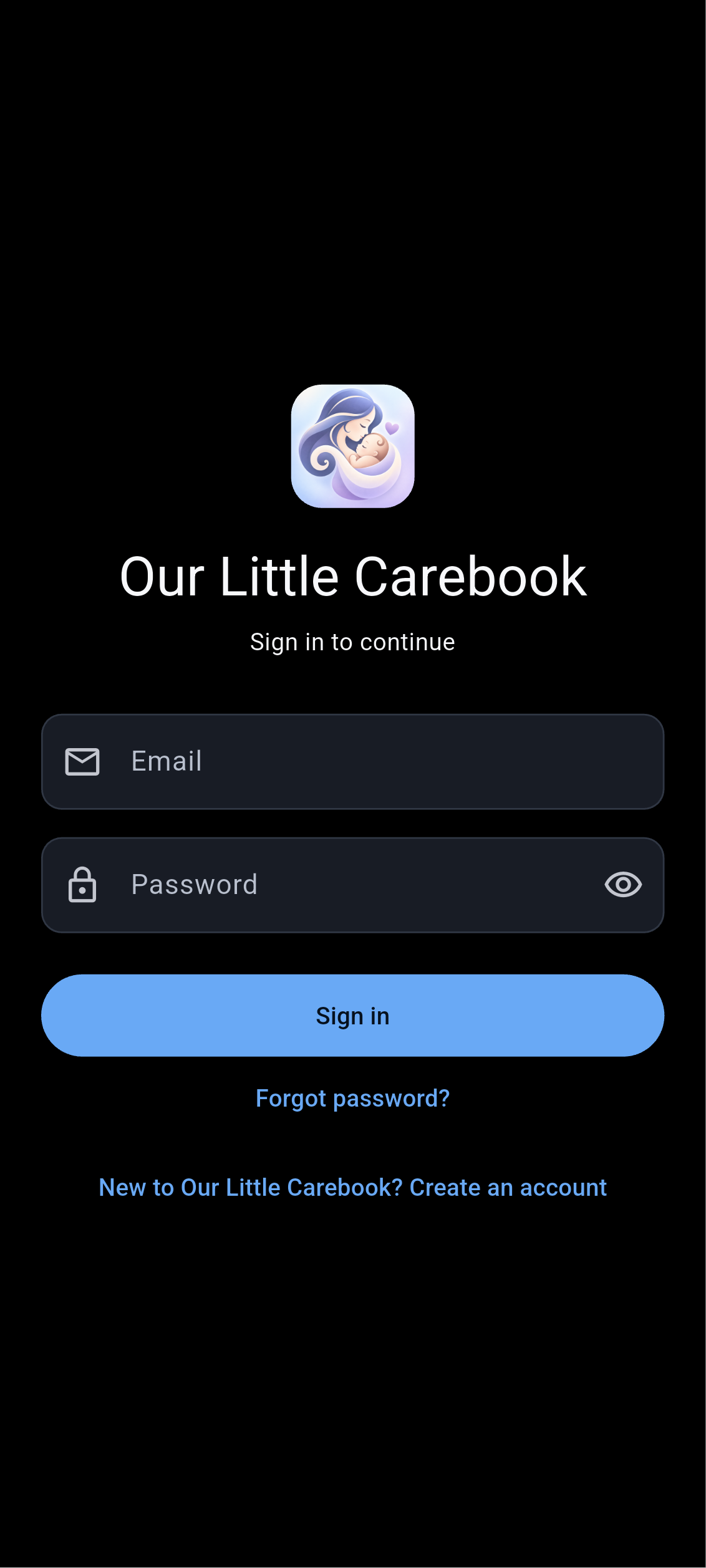
Sign in
Sign in to an existing account or access account creation and password recovery.
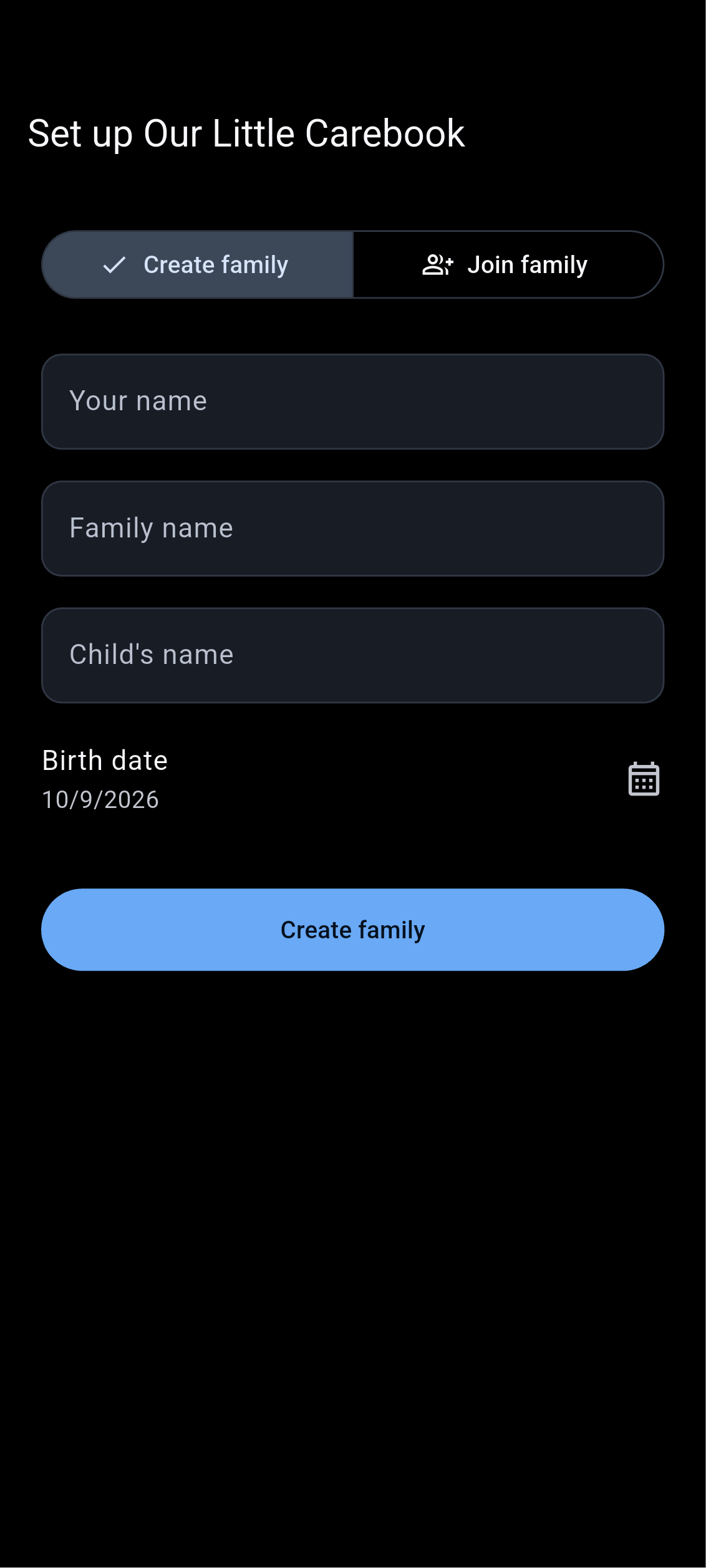
Family setup
Create a family or join an existing family.
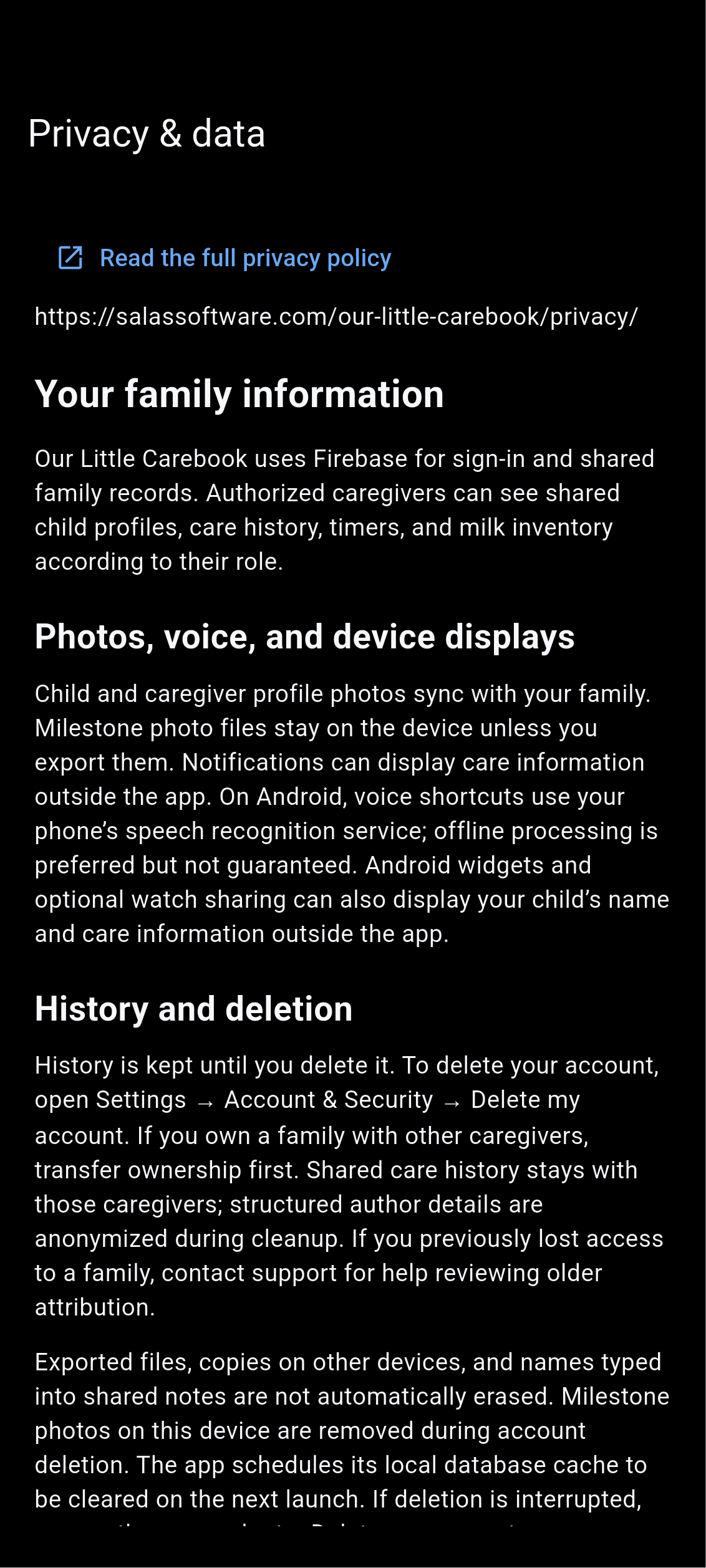
Privacy
Read the app’s privacy information.
Your care, your layout.
The Care screen is customizable through Manage Home Screen. Choose the activities you use, hide sections you do not need, and drag sections into your preferred order.
Back to app overview