Every shift, accounted for
Clock in as you start, pause for unpaid breaks, or enter a shift afterward. Overnight shifts, roles and notes have a place, too.
 Salas Software

WagePocket: Hours & Pay
From the first clock-in to your next paystub, keep a clear record of the work you do.
Track shifts, unpaid breaks and estimated gross pay for one hourly job or several. All on your device.
$4.99 one-time U.S. purchase. Confirm the current price on Google Play.
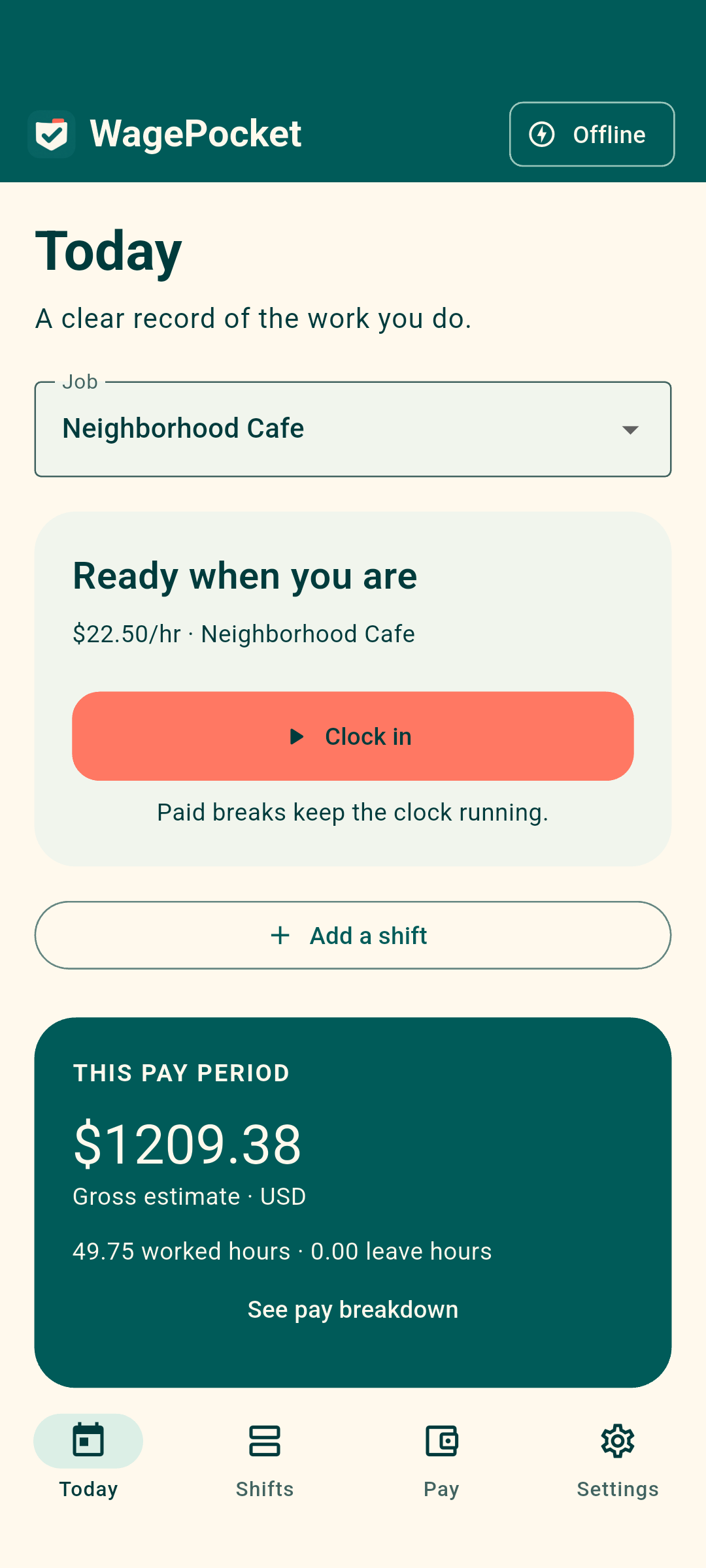
Built for hourly workers
Clock in as you start, pause for unpaid breaks, or enter a shift afterward. Overnight shifts, roles and notes have a place, too.
Keep each job's hourly rate, pay period and overtime settings separate. Saved entries preserve their recorded rates.
Export CSV and PDF reports for your records. Save a full backup before changing phones or uninstalling.
Inside WagePocket
A simple place for your time, your entries and your estimated pay.
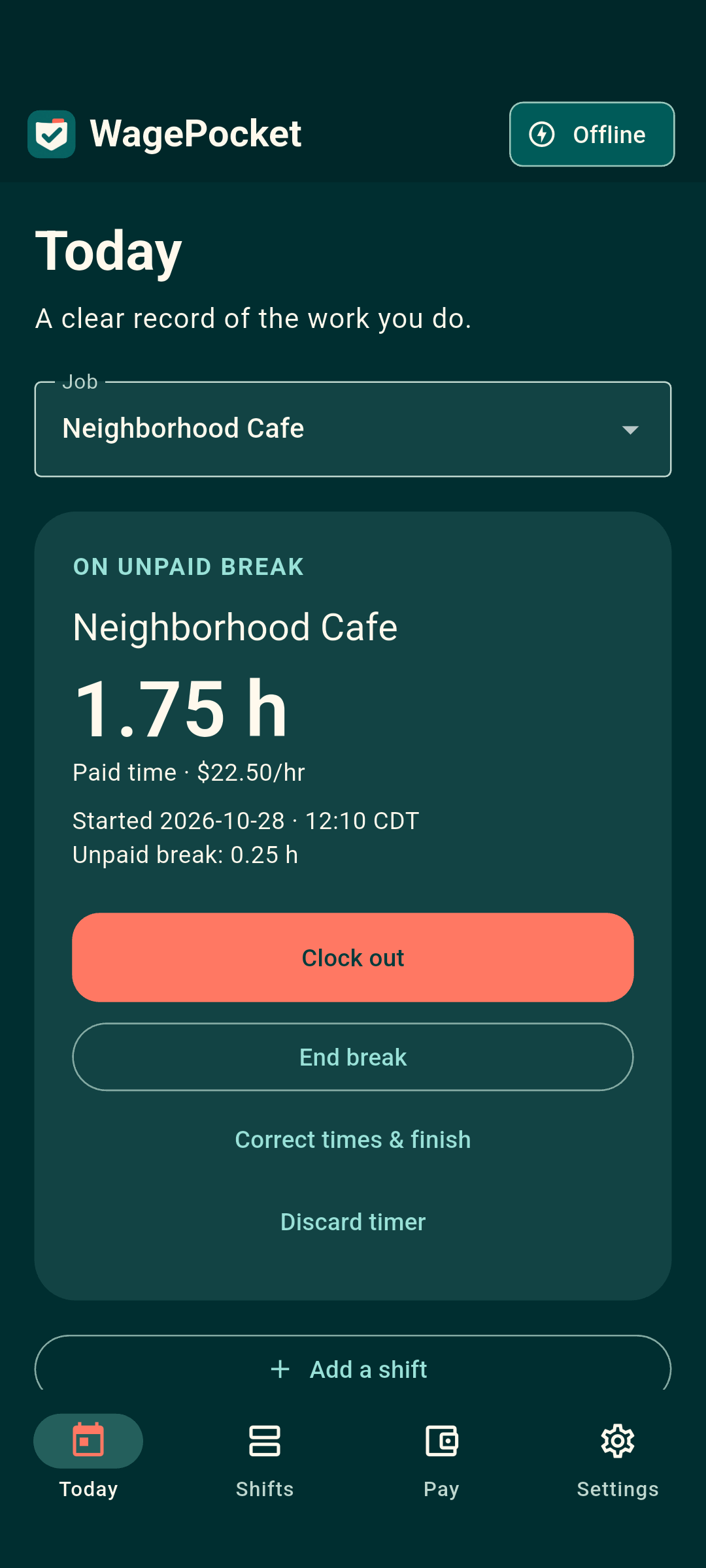
Clock in, record an unpaid break, and clock out when the shift ends.
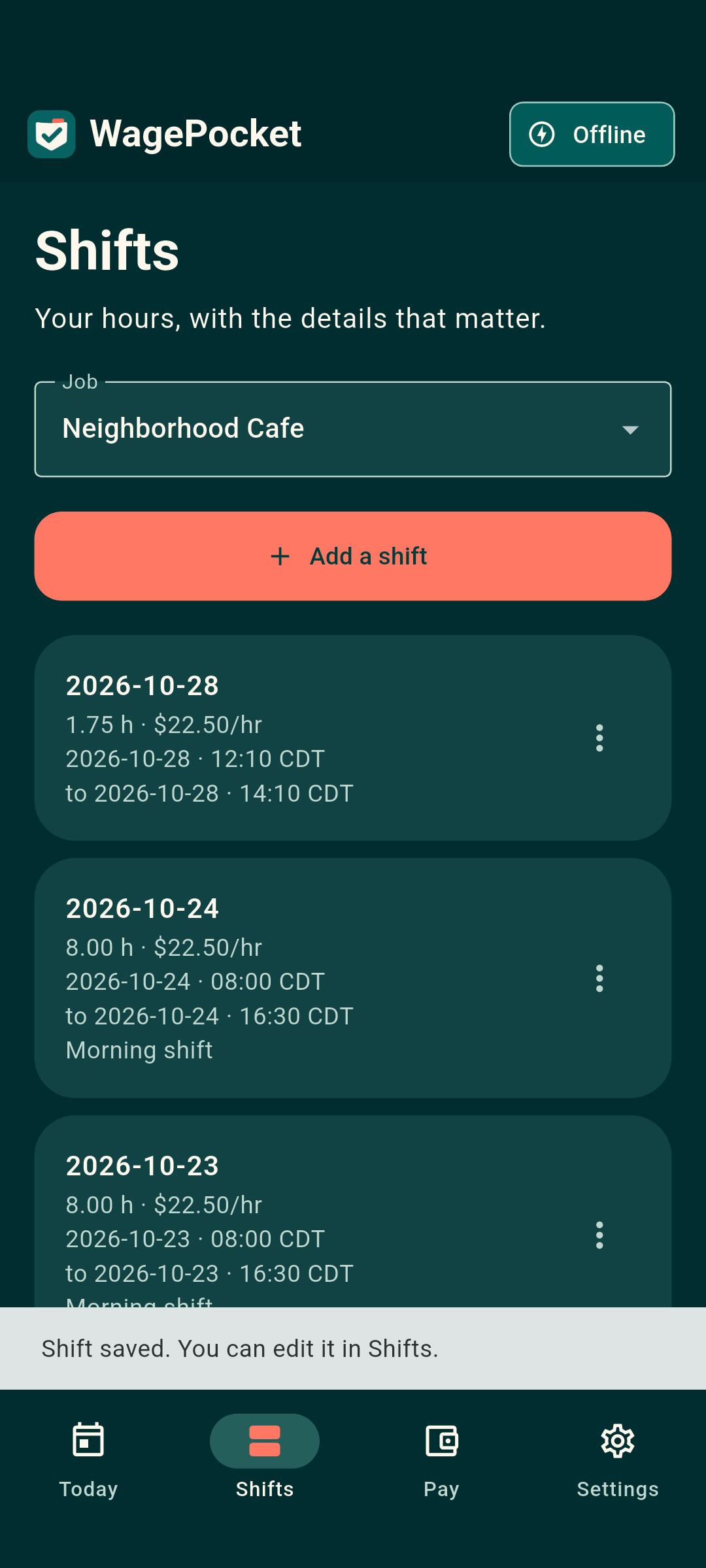
Review saved shifts, add a missed entry, and correct your records.
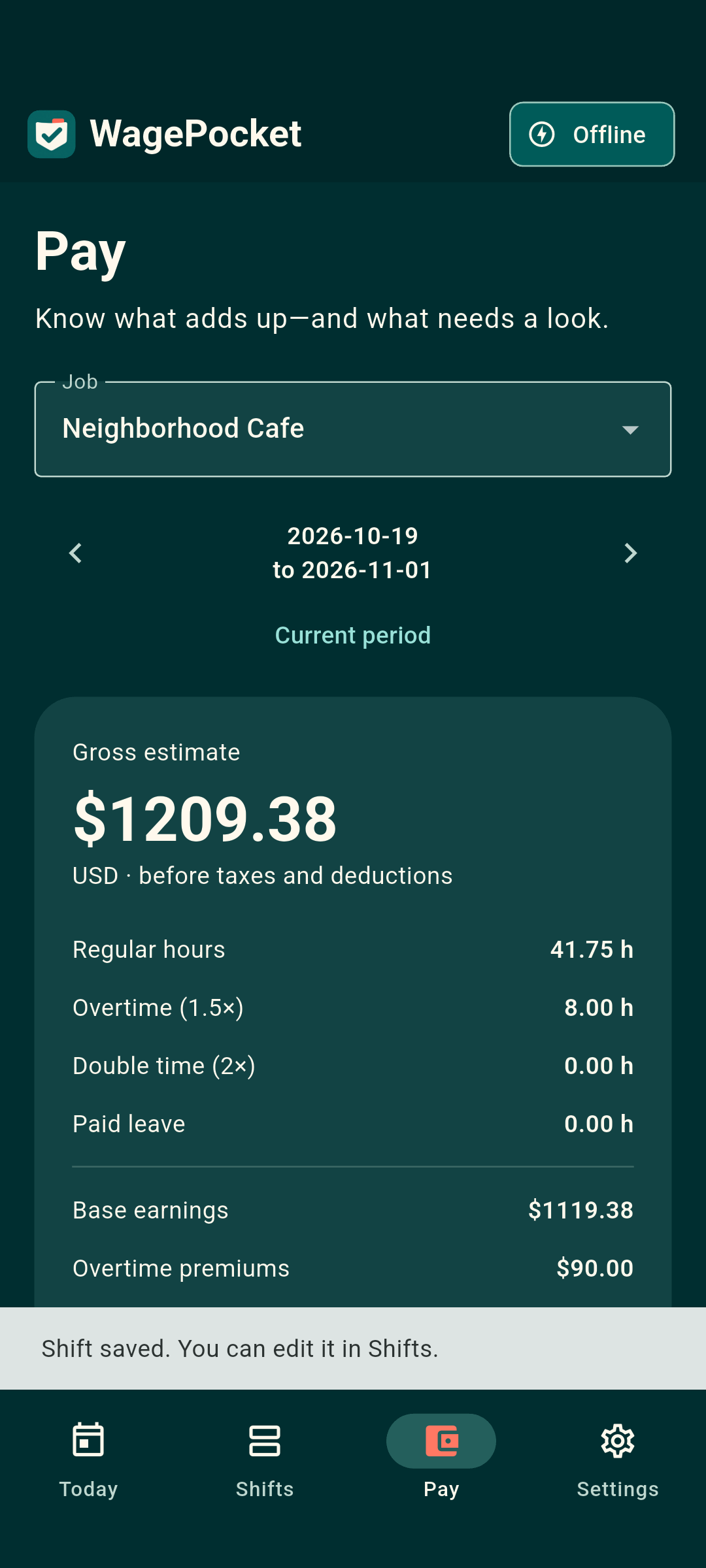
Review regular hours and overtime, then compare with a gross paystub amount you enter.
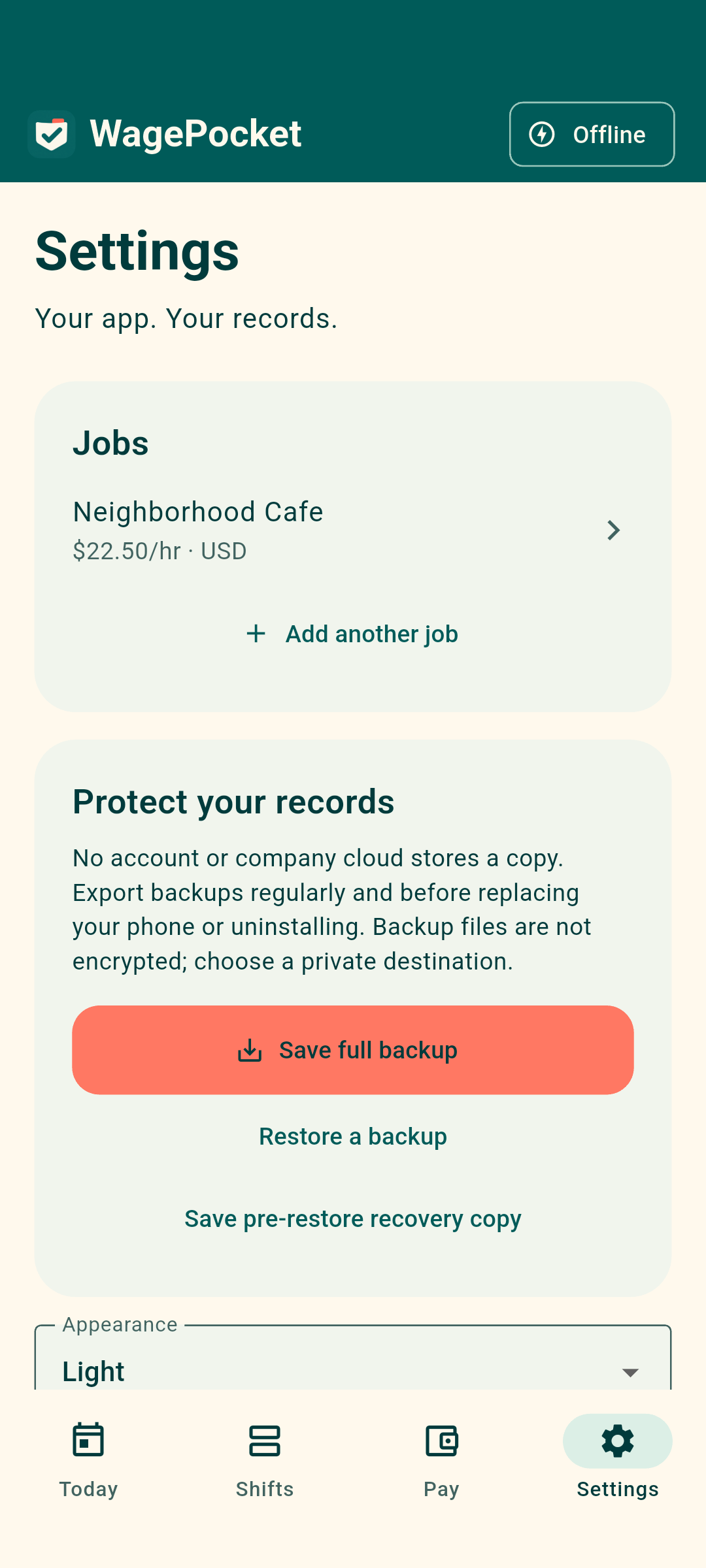
Manage jobs, choose your appearance, and save or restore a full local backup.
Actual Android screenshots with fictional sample data. Layout may vary by device. Select a screenshot to see it full size. Both light and dark appearance are included.
Before taxes and deductions
See regular hours, overtime, double time and paid leave using your job's settings. Enter the gross amount from your paystub to compare it with your estimate and record differences for follow-up.
Estimates use US dollars and your entries. WagePocket does not calculate take-home pay, determine applicable overtime law, calculate weighted regular rates, or connect to an employer or bank.
Offline by design
No WagePocket account, ads, in-app purchases or subscription. All app features are included in the paid download.
Core features work offline after installation. A cloud file destination you choose may need an internet connection.
There is no automatic cloud sync. Export a full backup before uninstalling, resetting or replacing your device. Reinstalling restores the app, not your records.
Backups are not encrypted by WagePocket. Keep exported files somewhere secure.
How to back up and restore →Good to know
Yes. The paid download includes all app features, with no subscription or in-app purchases. The current price is shown on Google Play before you buy.
No. It is a personal recordkeeping app for hourly workers generally. You can keep records for one job or multiple jobs, with separate settings for each.
No. Amounts are estimated gross pay before taxes and deductions, based on your entries and configured rules. It is not an employer payroll system or legal or tax advice.
No. Save a full backup outside the app, then restore it on the new device. Read the restore preview carefully: restoring replaces current records. A store redownload alone does not restore your history.
The iPhone version is not yet available. WagePocket is currently available on Google Play for Android in the United States.
WagePocket: Hours & Pay
Offline hours and estimated gross pay, with one purchase and no subscription.